
Open the model picker and you'll find four Nano Bananas. Most people pick Pro because the name sounds better, then wonder why their credits run out so fast. The Nano Banana 2 vs Nano Banana Pro question has a short answer: use 2 by default, and switch to Pro when the image has words in it that must be right, or when it's the final version of something that matters.
The rest of this post is the why, plus where the other two fit.
Four Nano Bananas, one family
All four are Google image models, and they share the same basic skill: you describe an image, or hand it a photo and describe a change, and it follows instructions well. The differences are in how much thinking and detail you're paying for.
- Nano Banana is the original, Gemini 2.5 Flash Image, launched in August 2025. It started the whole craze and still works, but it's the oldest of the four.
- Nano Banana Pro came in November 2025, built on Gemini 3 Pro. It's the heavyweight: best text, most careful with detail.
- Nano Banana 2 is Gemini 3.1 Flash Image, released in February 2026. Google pitched it as Pro-level features at Flash speed.
- Nano Banana Lite in our picker is the model Google calls Nano Banana 2 Lite, out since June 2026. Fastest and cheapest, and it outputs at 1K only.
Google's current lineup puts Lite in charge of speed, 2 as the generalist, and Pro for complex work, which leaves the original without a clear job. We keep it in the studio because some people like its look, but if you're starting fresh, skip it.
Nano Banana 2 vs Nano Banana Pro at a glance
| Spec | Nano Banana 2 | Nano Banana Pro |
|---|---|---|
| Underlying model | Gemini 3.1 Flash Image | Gemini 3 Pro Image |
| Released | February 2026 | November 2025 |
| Google's pitch | Speed, instruction following, fast edits | High fidelity, factual accuracy, legible text |
| People kept consistent | Up to 5 characters | Up to 5 people |
| Reference images | Up to 14 objects in one workflow | Blends up to 14 images |
| Model resolution range | 512px to 4K | Up to 4K |
| Credits per image here | Lower | Higher |
| Our default for | Drafts, iterations, most edits | Text-heavy images, finals |
On paper they look close. That's the point Google was making with Nano Banana 2: most of what Pro could do, faster and cheaper. The gap shows up in the details, mostly text and fine accuracy.
Nano Banana Pro for high-fidelity tasks requiring maximum factual accuracy, or Nano Banana 2 for rapid generation, precise instruction following and integrated image-search grounding.
Text inside the image
This is where Pro earns its price. Google called it its best model for images with correctly rendered, legible text, across several languages and a wider range of fonts and calligraphy. Nano Banana 2 also advertises precise text rendering, and for a short headline it usually gets there. Where 2 slips is density: a menu, a poster with a date, a time, and an address, a product label with small print.
A prompt that shows the difference: A corner bakery storefront with a painted sign that reads "ROSA'S BREAD & COFFEE", a chalkboard by the door listing "Sourdough 6", "Rye 5", "Croissant 3". The big sign is the easy part. The chalkboard is the test: small lines, numbers, and an ampersand are where swapped letters and invented prices show up. Run it on both and read every letter before you judge. The Compare page in the studio runs one prompt on up to four models at once, which makes this a single step.
If the image is mostly lettering, like a poster or a logo, also try Ideogram 4.5. It isn't a Nano Banana, but it's the model the studio marks as its pick for readable words. Our guide to the AI image generator with text covers how to prompt the wording and fix a single wrong word.
Several references and keeping people consistent
Both models can take several reference images and keep up to five people recognizable, by Google's numbers. So for a group shot, or a product plus a model plus a setting, either one works.
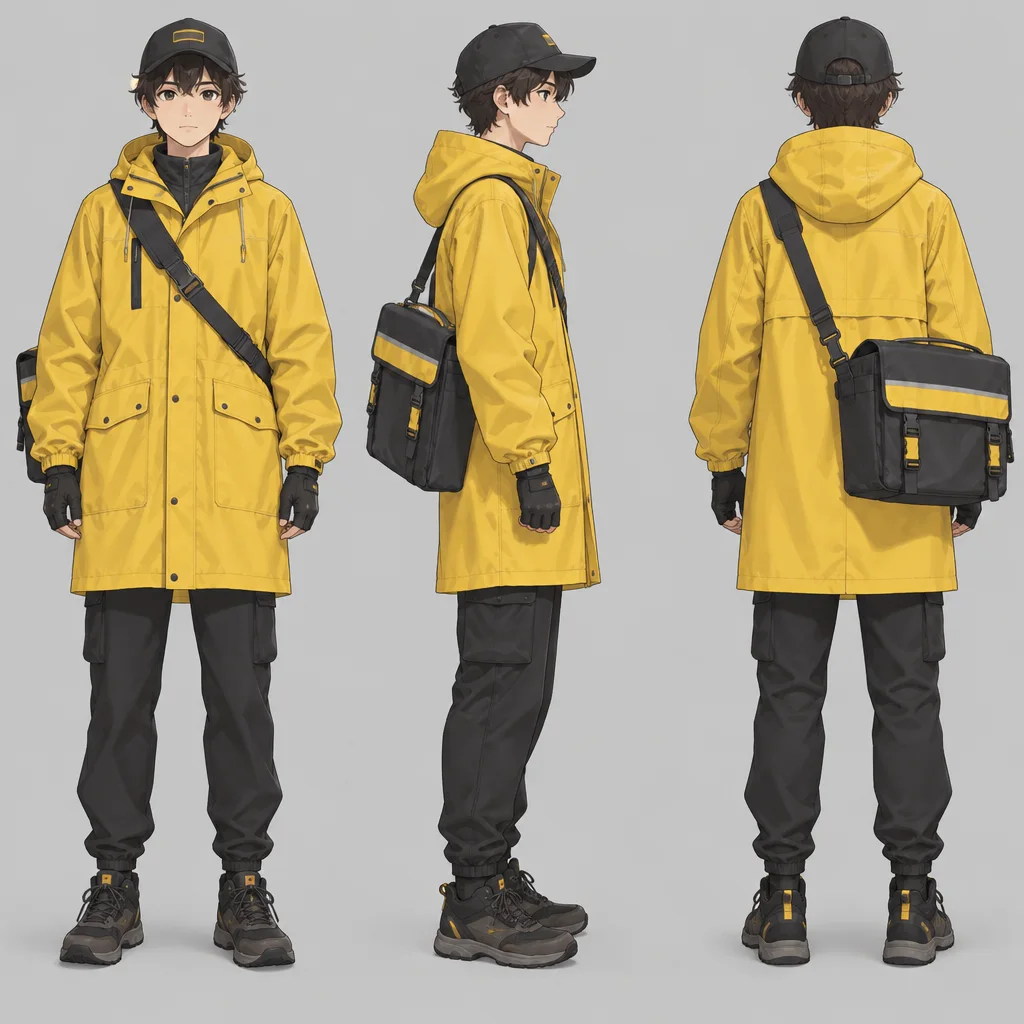
The difference is emphasis. Google positions Pro for fidelity and accuracy, so reach for it when small things have to survive: jewelry, a logo, the exact shape of a product. Nano Banana 2 is pitched on speed and instruction following, which suits long runs of variations. If you're keeping one character across twenty scenes, draft on 2 and redo the keepers on Pro. The cost is a second generation for each keeper.
Speed and credits
Nano Banana 2 is the Flash model, and it feels like it. When you're trying ten variations of a prompt, waiting on Pro every time slows you down more than you'd expect.
It's also cheaper. In our studio, Pro costs more credits per image than Nano Banana 2, and higher resolutions cost more on both. The composer shows the credit estimate before you press Generate, so check it there rather than guessing. Google bills Lite as its fastest, most cost-efficient image model, which makes it good for rough ideas you'll throw away.
Editing an existing image: the Edit versions
In Image to Image you get the same family as editors: Nano Banana Edit, Nano Banana 2 Edit, Nano Banana Pro Edit, and Nano Banana Lite. You upload one or more images and describe the change.
The same split applies. Nano Banana 2 Edit is our first try for everyday changes: new background, different outfit, swap the lighting. Pro Edit is for edits that touch text or need fine detail preserved, like a product shot where the label has to survive. Whichever you pick, name what should stay the same. "Keep the face, the bottle, and the label unchanged" does more than any model choice.
What about Nano Banana 2.5?
You may have seen the name. As of late October 2026 it's a rumour. An anonymous model nicknamed "spicy-mayo" appeared on an image leaderboard around September 9, and people suspect it's Google's next one. Google hasn't announced anything. It isn't in our studio, and we won't guess at its features. If it ships, this comparison will need an update.
Our pick for each job
| Job | Pick | Why |
|---|---|---|
| Brainstorming, throwaway ideas | Nano Banana Lite | Built for speed and low cost, and 1K is enough to judge an idea |
| Social posts, most everyday images | Nano Banana 2 | Good quality at a lower cost |
| Posters, menus, labels, anything with several lines of text | Nano Banana Pro | Most reliable spelling |
| Final hero image for a site or ad | Nano Banana Pro | Extra care with detail is worth the credits |
| Quick photo edits | Nano Banana 2 Edit | Follows instructions well, cheaper |
| Product edits where the label must survive | Nano Banana Pro Edit | Better at keeping small details |
And if none of the Nano Bananas gets it, try another lab's model on the same prompt. GPT Image 2.5, Ideogram 4.5, and the Seedream editors misread prompts in different ways, which is the whole argument in why one AI model is never enough.
The short version
Nano Banana 2 is the everyday model: fast, cheaper, and good at following instructions. Nano Banana Pro is for text that has to be spelled right and for final images where small details matter, and it costs more credits for that. Lite is for rough drafts. The original Nano Banana has been overtaken by its successors. Nano Banana 2.5 isn't real yet.
Run the same prompt on 2 and Pro in Text to Image and compare them side by side. You can see every model we run on the text to image features page, or try the editors in Image to Image.


