Live in the studio
AI Image to Image Generator
Change what you want. Keep what you need.
Upload an image, say what should be different, and get a new version back. Keep edits narrow when likeness matters. Stack results when you need several small changes instead of one overloaded rewrite.
Image to Image preview
What this tool does
Image-to-image on trendshiftlabs lets you upload one or more references, write a transformation prompt, and generate new variants. Live editors include Seedream, Nano Banana / Nano Banana Lite, Flux Kontext / Flux 2 Pro, GPT Image 2, and Grok Imagine.
You can open the studio app and look around without signing in. Generating spends monthly credits on a Starter, Creator, or Pro plan. Outputs save to your gallery so you can reuse them in other tools.
Who image-to-image is for
Open this tool when you already have composition, identity, or layout you want to keep. Product packshots, character sheets, sketches, and almost-right AI frames all belong here. You describe the change; the model should leave the rest alone.
If you are inventing from zero, use text-to-image. If you only need a cutout, use remove background. Image-to-image is the edit desk, not the blank canvas.
Editing by describing
Image to Image works on the picture you already have. It's for changing, fixing, and reimagining, not starting over.
- Edit with a sentence
- 'Make it night', 'swap the jacket to red', 'turn this sketch into a photo'. That's the whole workflow.
- Keep what matters
- Good edits change one thing and leave the rest alone. The models we run are picked for exactly that.
- Stack your changes
- Use any result as the input for the next edit. Small steps get you to precise places.
- Several editors, one place
- Seedream, Nano Banana, Flux Kontext, GPT Image and more. If one model misreads you, another won't.
Runs on
- Flux Schnell
- Nano Banana Lite
- Nano Banana
- Nano Banana 2
- Nano Banana Pro
- Grok Imagine
- GPT Image 2
- Seedream 5.0 Lite Edit
- Nano Banana Edit
- Nano Banana 2 Edit
- Nano Banana Pro Edit
- GPT Image 2 Edit
- Seedream 4.5 Edit
- Seedream 5.0 Pro Edit
- Flux Kontext Pro
- Flux 2 Pro Edit
- Grok Imagine Edit
- Bria Background Remove
- Ideogram Remove Background
- Clarity Upscaler
- Topaz Upscale
Edits that stick
Say the change in one clause. "Make it night," "swap the jacket to red," "turn this line sketch into a photo" work better than a paragraph that also rewrites the whole scene. When you stack edits, use the latest output as the next input so drift stays intentional.
If one editor misreads you, switch model instead of stuffing the prompt. Seedream, Nano Banana Edit, Flux Kontext / Flux 2 Pro, GPT Image 2 Edit, and Grok Imagine Edit each lean differently on style and obedience.
Practical tips
- Change one thing per run when precision matters.
- Keep a clean reference crop when identity must hold.
- For sketches, say the target medium explicitly: photo, clay render, flat illustration.
- Download before a big rewrite so you can branch.
How you use it
Upload it
Any image works as a starting point.
Say the change
One clear sentence per edit works best.
Compare and keep
Old and new, side by side in your gallery.
Where it still fights you
Heavy style transfers can warp faces and logos. Tiny text on packaging often needs a second pass or a non-AI cleanup. Extreme outpainting of empty edges can invent clutter you did not ask for.
Credits scale with the editor and resolution you pick. Small, sequential edits usually waste fewer credits than one overloaded prompt that fails.
Small words, big changes
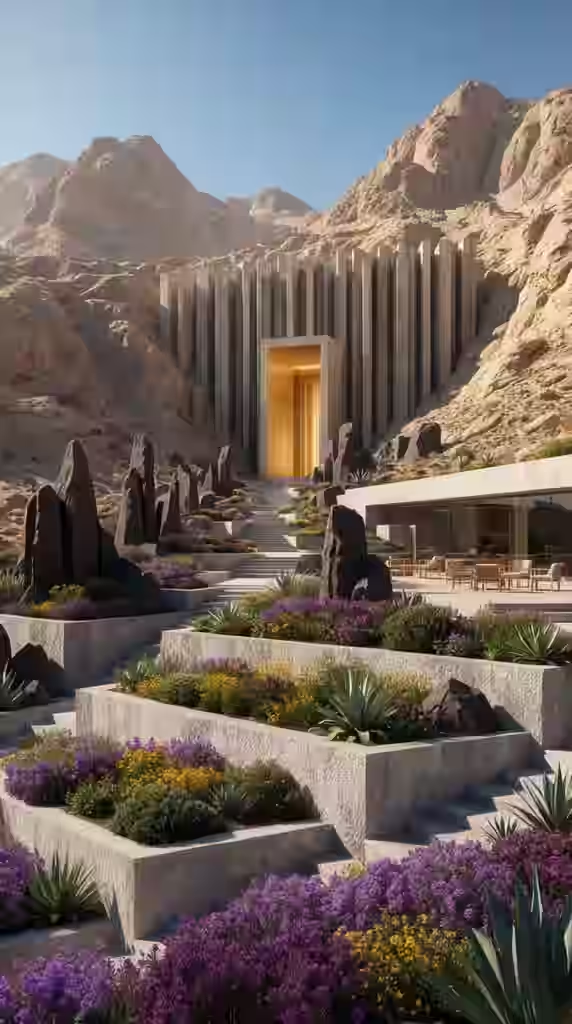
New style, same subject
Turn a photo into an illustration, or the other way around.
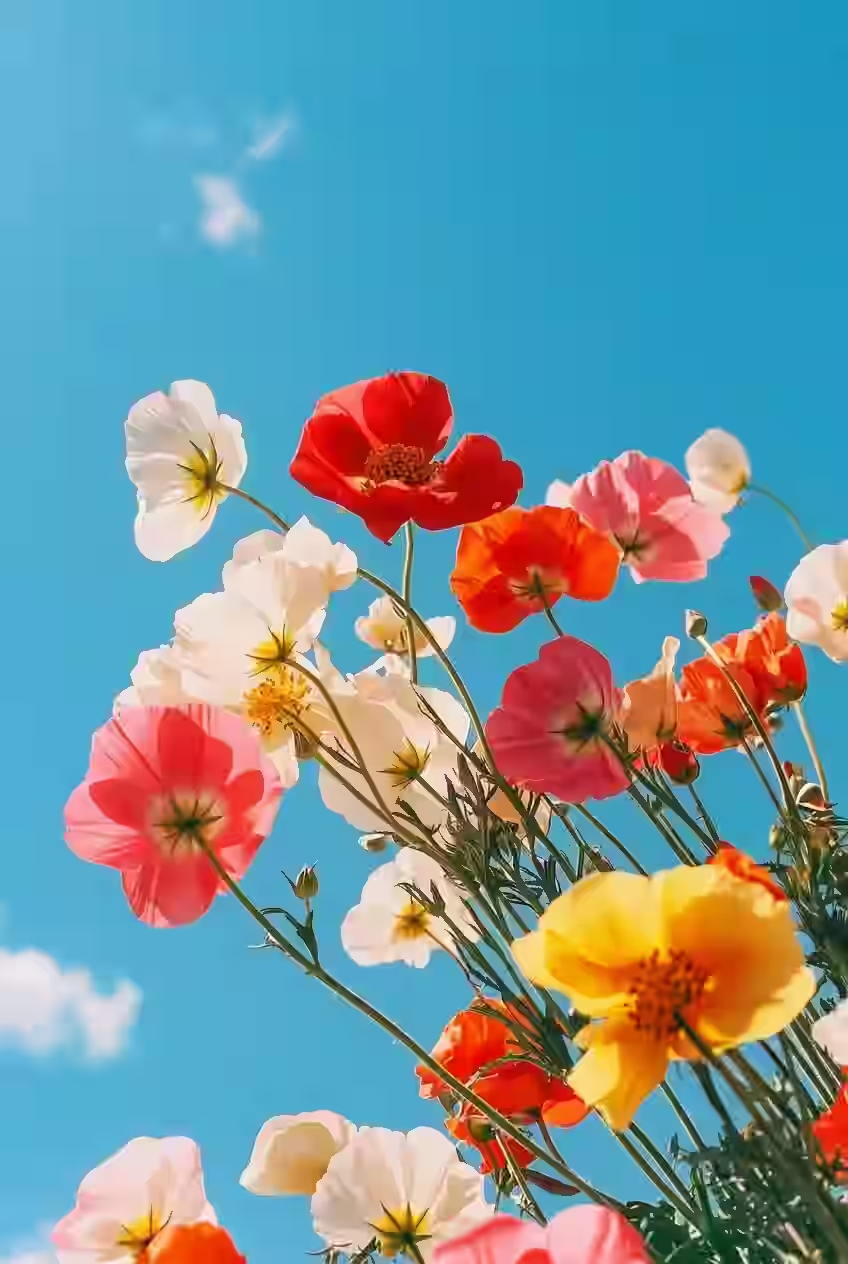
Fix the details
Colors, lighting, backgrounds, small object swaps.
Remix a reference
Keep the composition, change everything else.
Questions about Image to Image
- Will it keep my subject looking the same?
- Most of the time, if your edit is narrow. Broad style swaps are likelier to drift. When likeness matters, keep the instruction short and avoid restating the whole scene.
- Can I chain edits?
- Yes. Each result can become the next upload. That is the usual path from "almost" to "done."
Related tools
Bring an image. Leave with a better one.
Browse the app first. Subscribe when you are ready to spend credits on a generation.