3D tool · Live in the studio
Image to 3D AI Generator
A clear photo in. A matching 3D asset out.
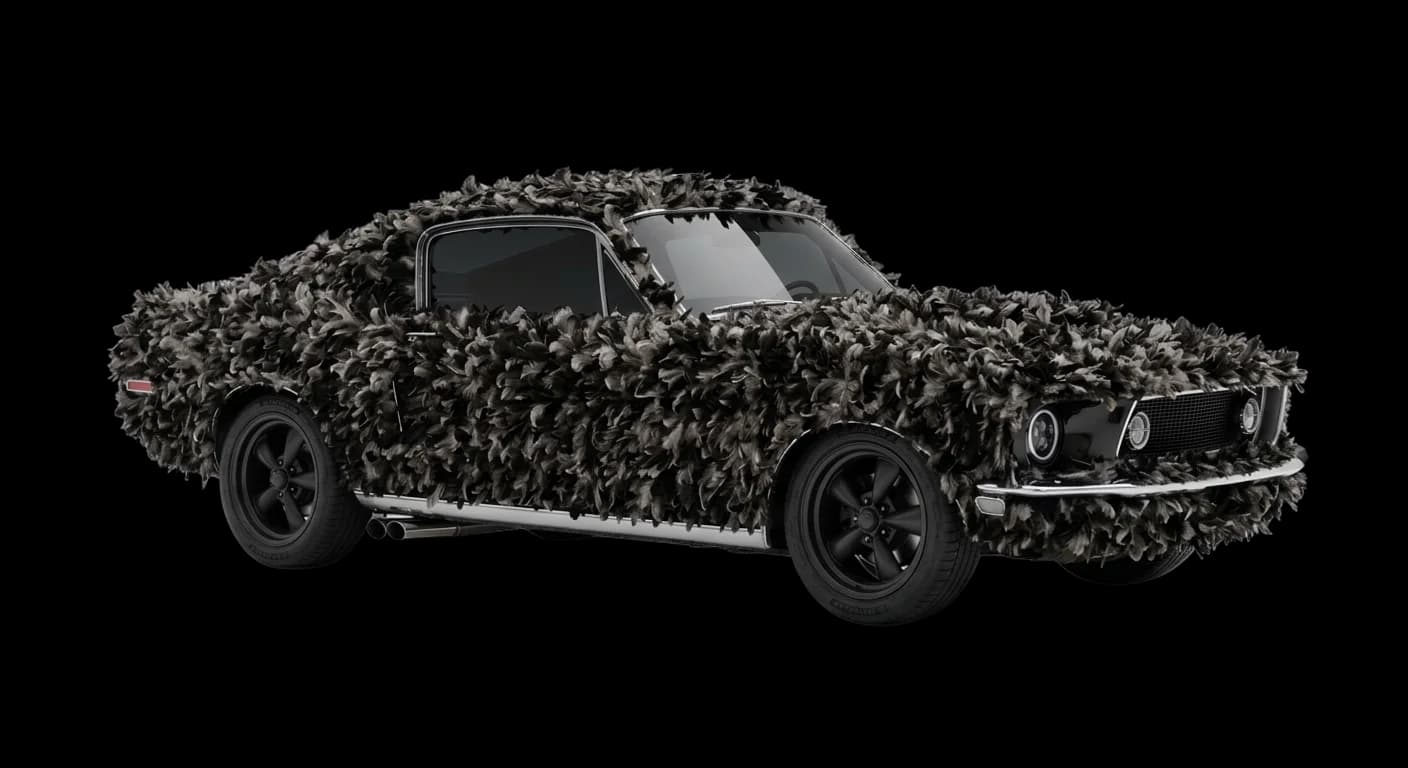
Image-to-3D is for when you already have the look: a product shot, a concept render, a real-world object on a clean background. Upload the image, pick a reconstructor, and get a mesh (or Gaussian splat) you can orbit and export.
No sign-in needed to look around the studio. Or try the simple version: Convert a 2D Image to a 3D Model.
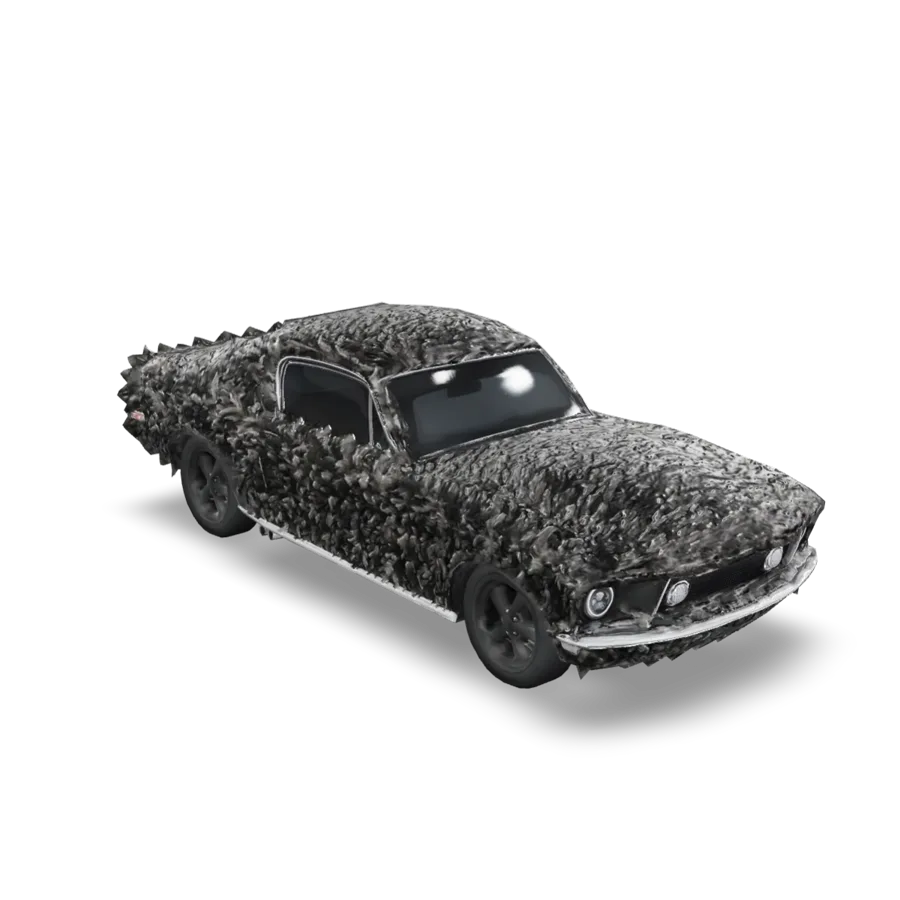
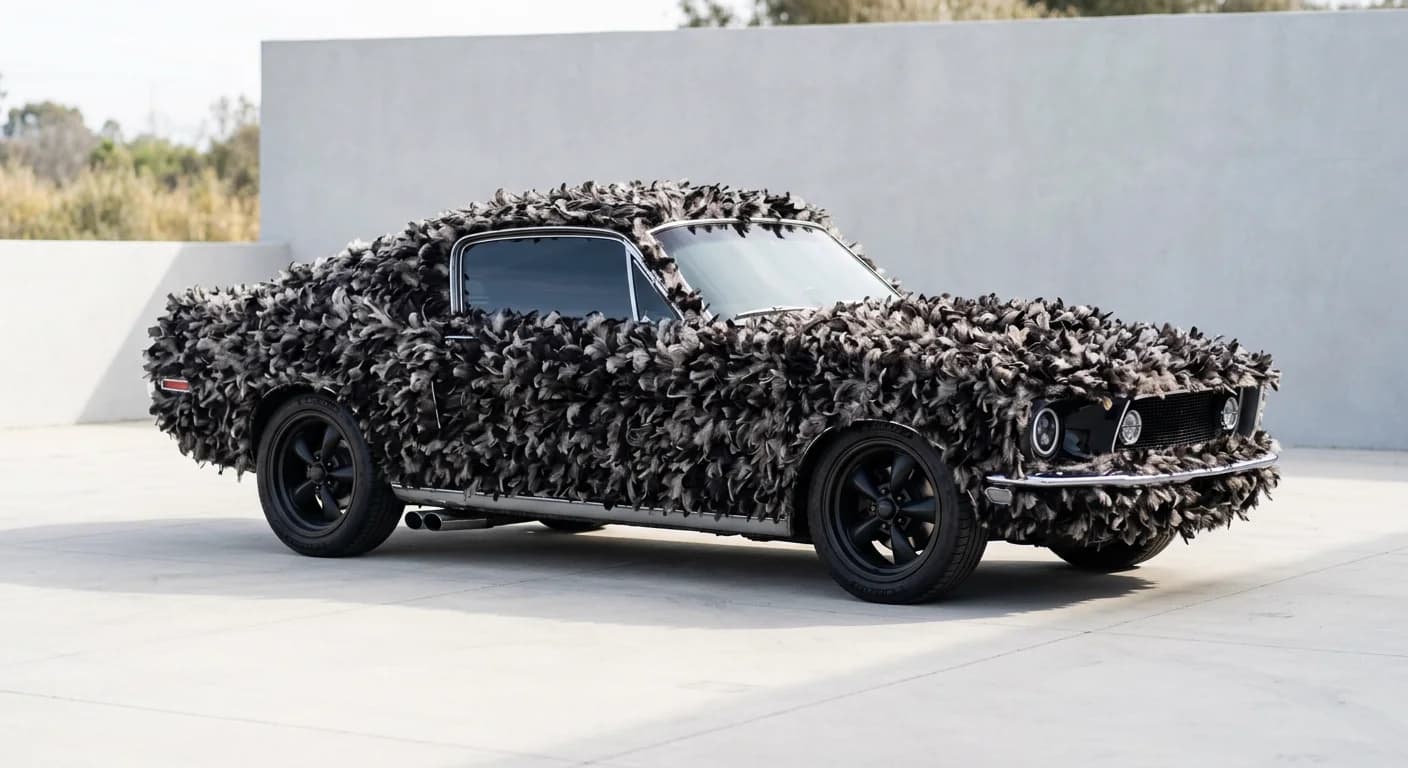 Drag to orbit
- Input
- Image
- Output
- 3D
- Live models
- 6
- AI labs
- 4
What it does
Built for reference photos
Six generators cover this path, including TripoSR for fast mesh reconstruct and TripoSplat for splat scenes. Hunyuan 3D Pro and Meshy 7.1 Multi Image can take extra views when you have more than one angle.
01
Match what you already shot
Use a well-lit photo with a simple background when you can. Busy scenes confuse reconstruction.
02
Mesh or splat
Classic mesh for Blender and engines. TripoSplat when your pipeline wants Gaussian splats.
03
Multi-view when you have it
Extra angles help Hunyuan 3D Pro and Meshy 7.1 Multi Image lock silhouette and back faces. One strong front view still works.
04
Same credit plans as the rest of the studio
Browse without signing in. Generating needs an account and a Starter, Creator, or Pro plan.
How it works
How it works
- 01
Upload a clear reference
Prefer a centered subject, even lighting, and as little clutter as you can.
- 02
Pick the reconstructor
Tripo, Meshy, Hunyuan, Rodin, TripoSR, or TripoSplat depending on the output you need.
- 03
Check the mesh, then save
Spin it in the viewer. Download when the silhouette and textures look right.
Models
Models
- Tripo H3.1
- TripoSR
- TripoSplat
- Meshy 7.1
- Hunyuan 3D Pro
- Hyper3D Rodin
Live in the studio today. Pick any of them from the model menu.
Guide
Reference photos that reconstruct
Center the subject, light it evenly, and keep the background simple. Phone photos on a tablecloth beat glossy brochure pages with reflections. Multi-view helps when you can shoot front and three-quarter angles without moving the object between messy setups.
Pick TripoSR when you want a fast classic mesh. Pick TripoSplat when your viewer expects Gaussian splats. Use the fuller Tripo / Meshy / Hunyuan / Rodin set when you need richer materials.
Who image-to-3D is for
Use image-to-3D when a photo or render already defines the object: packshots, concept art, real-world props, collectibles. Tripo, Meshy, Hunyuan, Rodin, TripoSR, and TripoSplat cover mesh and Gaussian splat outputs. Hunyuan 3D Pro and Meshy 7.1 Multi Image can take extra views when you have more angles.
If the object only exists as a sentence, use text-to-3D. Do not expect a busy lifestyle photo with five subjects to become one clean asset.
Practical tips
- Avoid motion blur and heavy wide-angle distortion.
- Fill the frame with the object; tiny subjects reconstruct poorly.
- Remove harsh specular blowouts when you can.
- Check the back of the mesh; single views invent unseen sides.
Know before you spend
Reconstruction is an estimate
Unseen backsides are hallucinated. Transparent and shiny materials confuse depth. Soft toys and hair can melt. Plan on cleanup for anything that has to manufacture or rig.
Splat outputs are not the same as triangle meshes. Know which format your next tool accepts before you spend the credits.
FAQ
Questions about Image to 3D
The things people usually ask before their first generation. Anything else? Ask us.
One clear view often works. Extra angles help Hunyuan when you have them. Do not upload a random album of unrelated shots.
Choose mesh for Blender, Unity, and most printers. Choose TripoSplat when you are targeting splat-aware viewers and pipelines.