AI image, video and 3D generator What do you want to make?
Type an idea or start from a file. Images, video and 3D models, all from one credit balance.

How it works
Start with a sentence. Leave with a 3D model.
Every result is one click from the next tool. Turn a prompt into an image, sharpen it, make it move, then pull it into 3D, all in one studio.
See every tool- Prompt
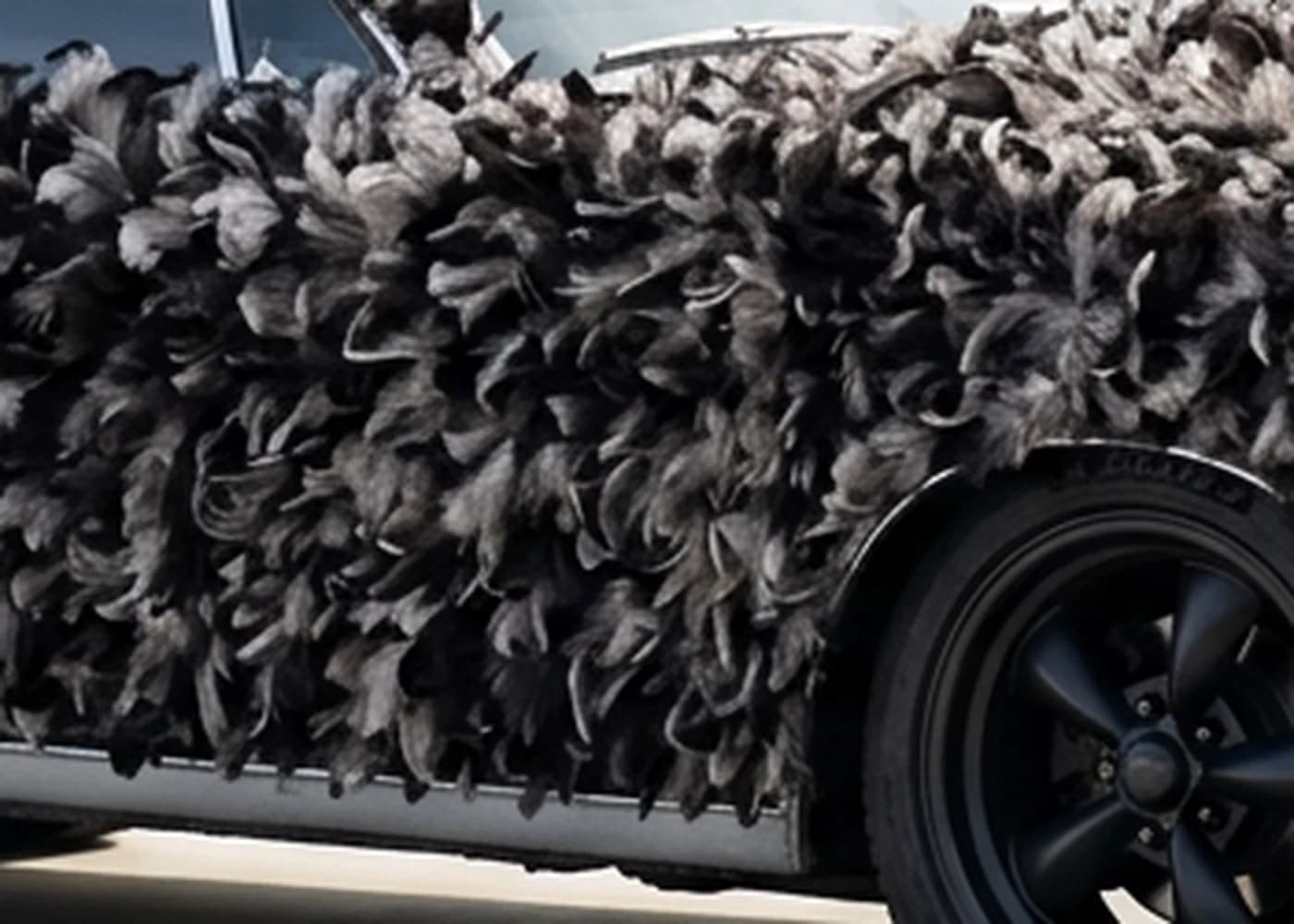
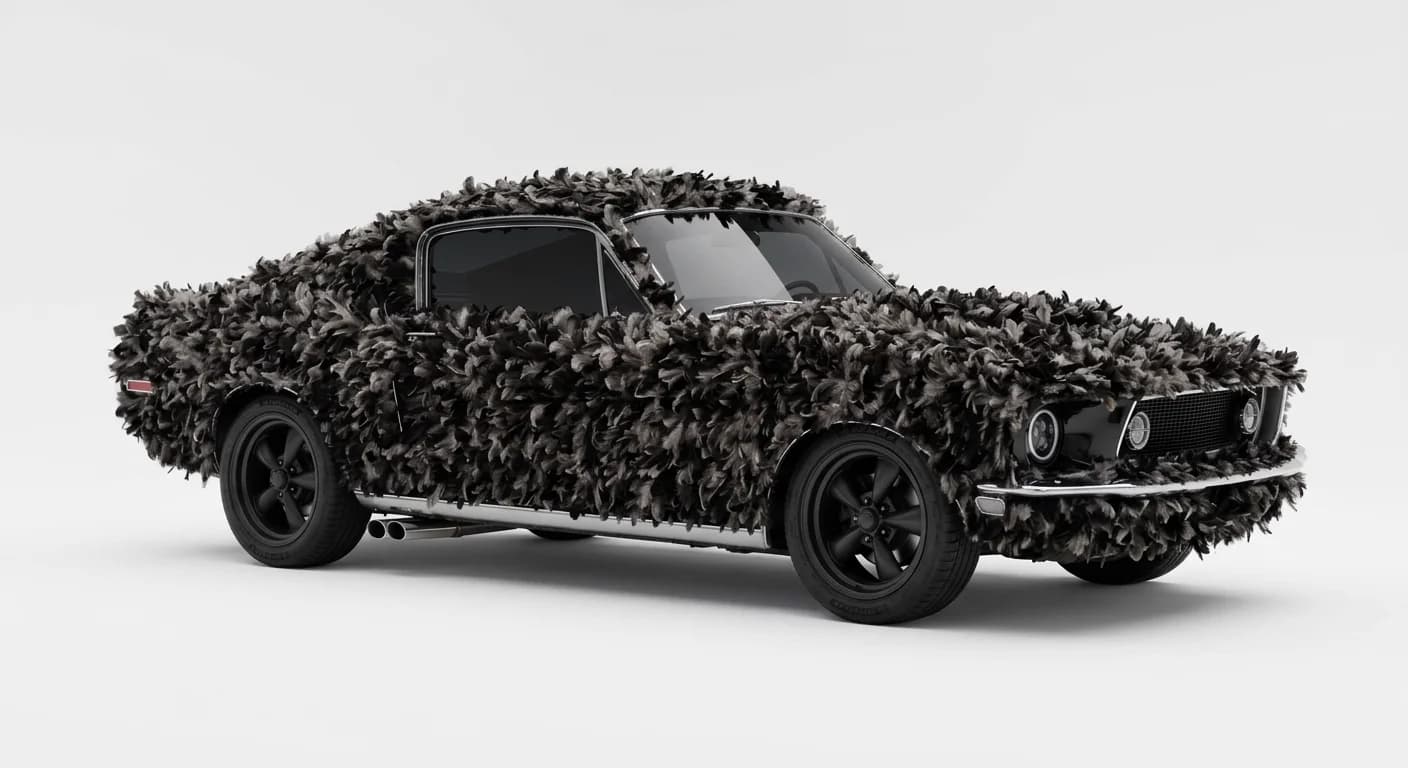
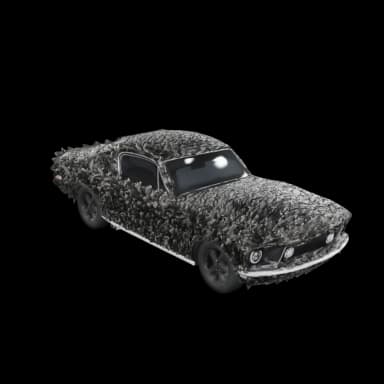
“A black muscle car covered in feathers, parked by a white wall”
Enter to generateDescribePromptPlain words, or a file you already have.
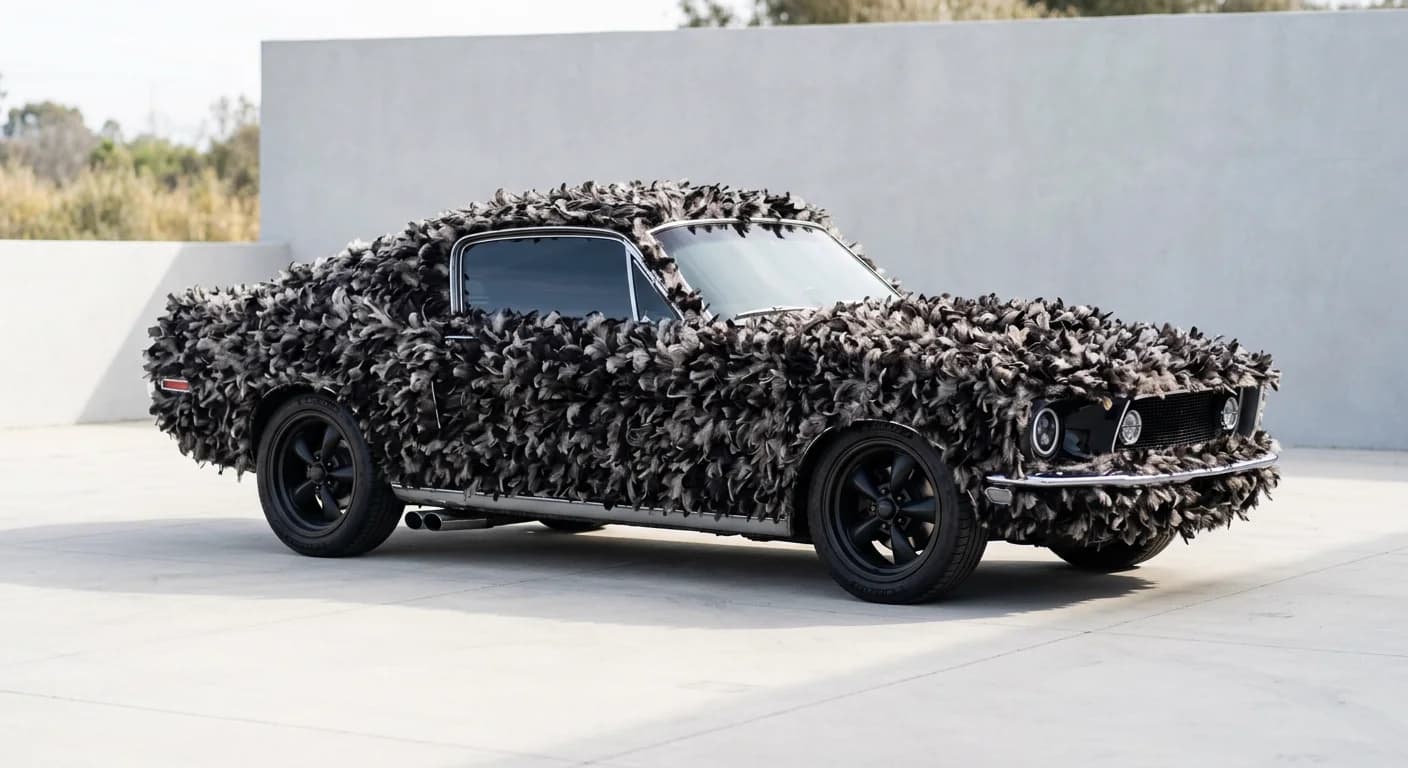 GenerateText to Image
Pick a model, a ratio and how many.
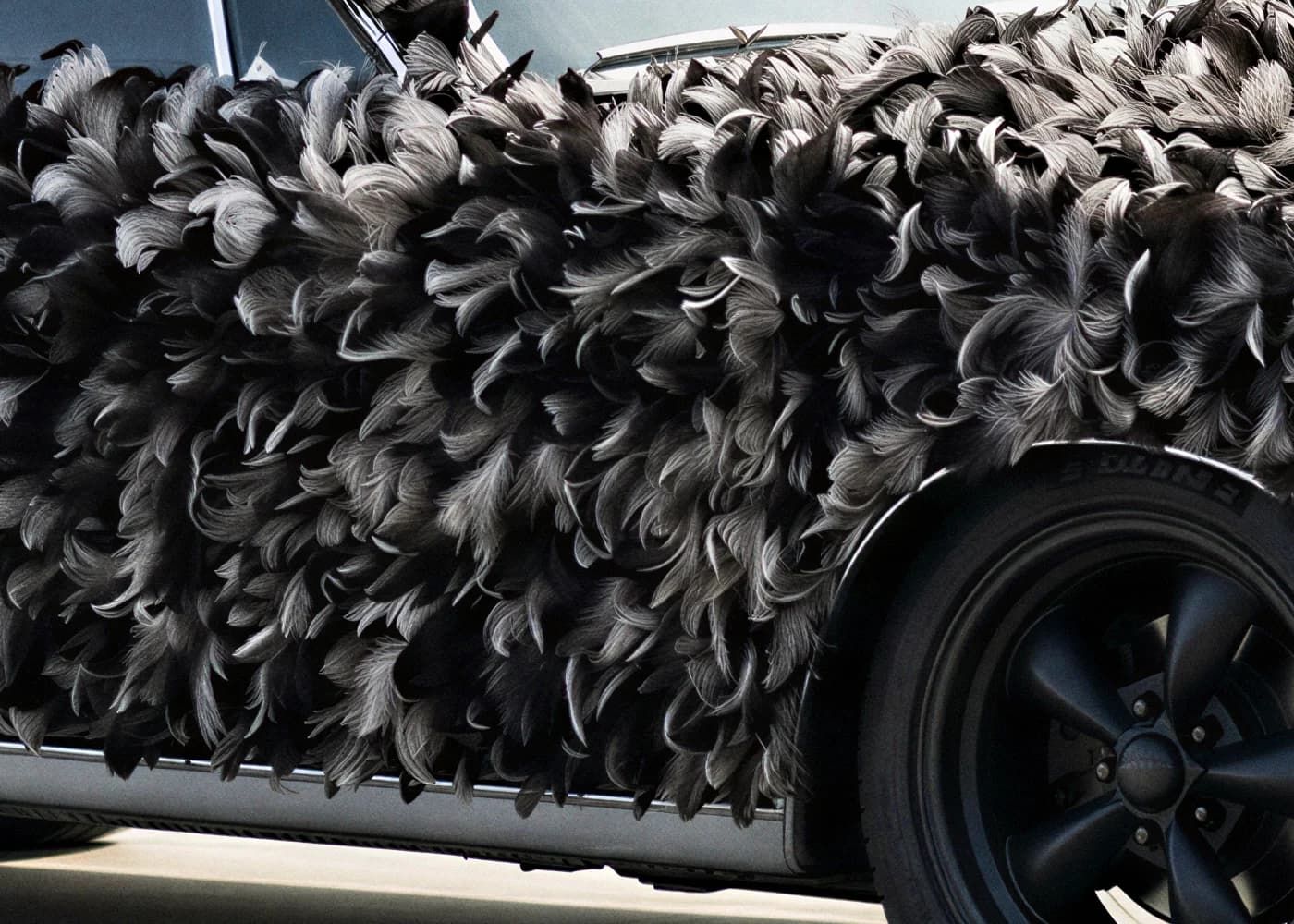 SharpenUpscale Image
More pixels and detail for print.
- AnimateImage to Video
A still becomes a short clip.
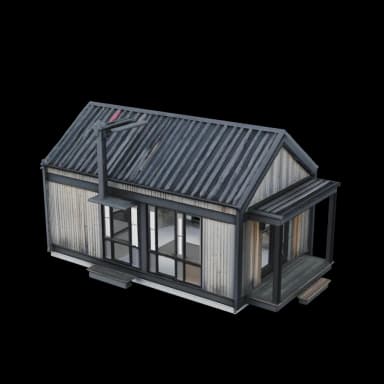
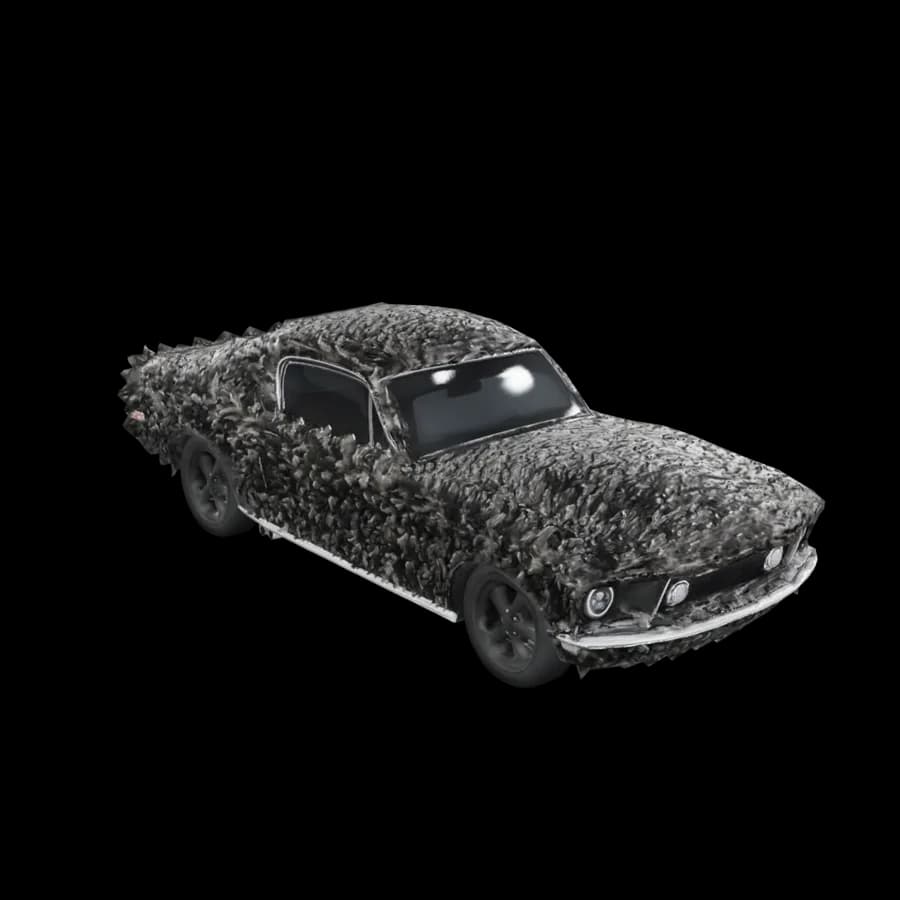 GLB · OBJ · FBXMake 3DImage to 3D
A model you can spin, then download.
What you can make
Stills, clips and models. Same prompt box.
Inside the studio
One workspace. Every tool a click away.
Gallery
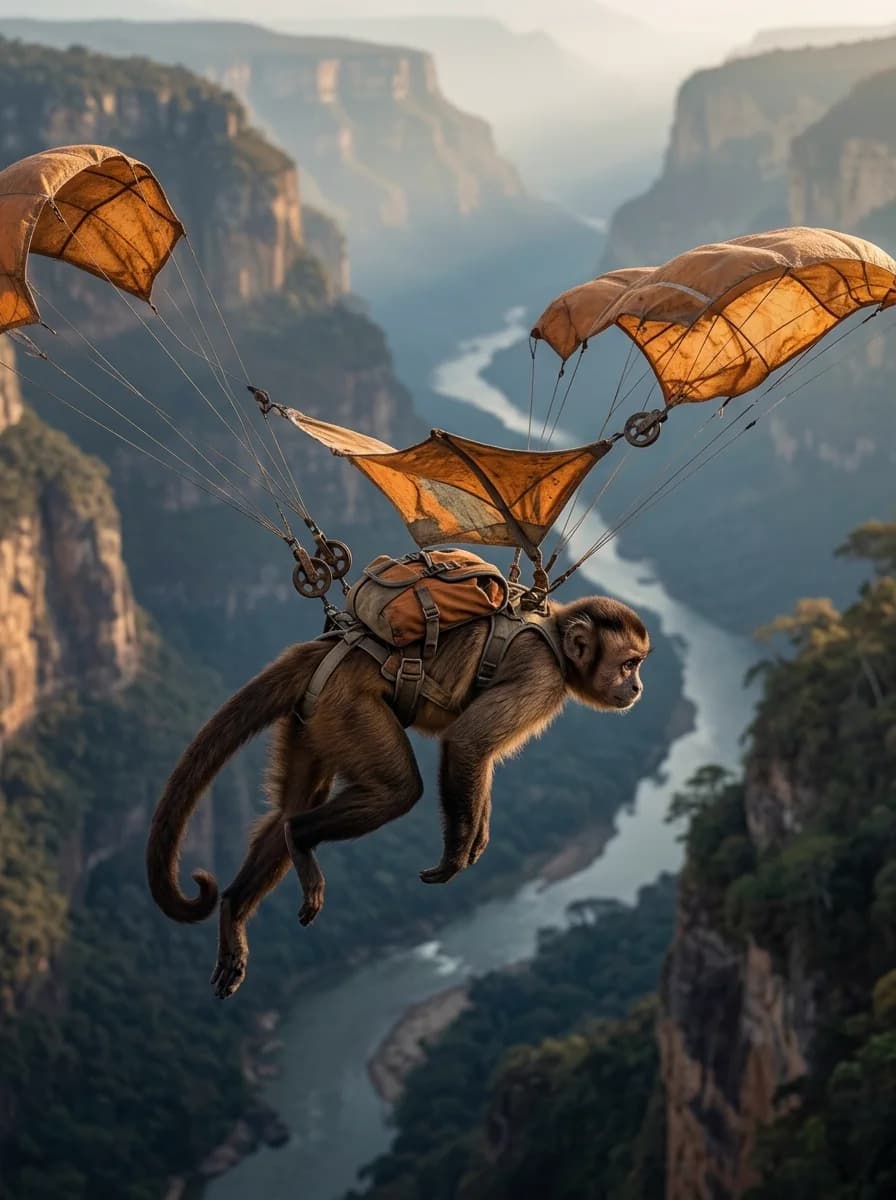
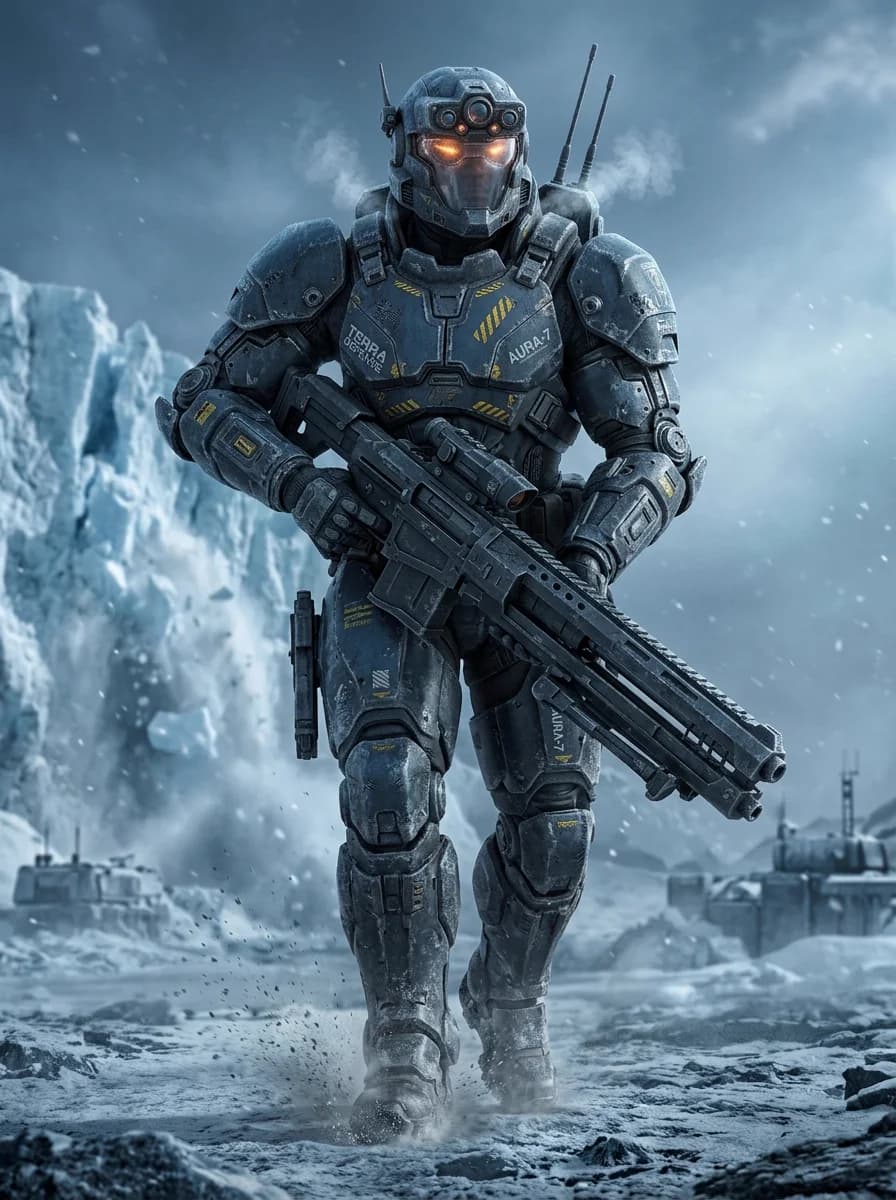
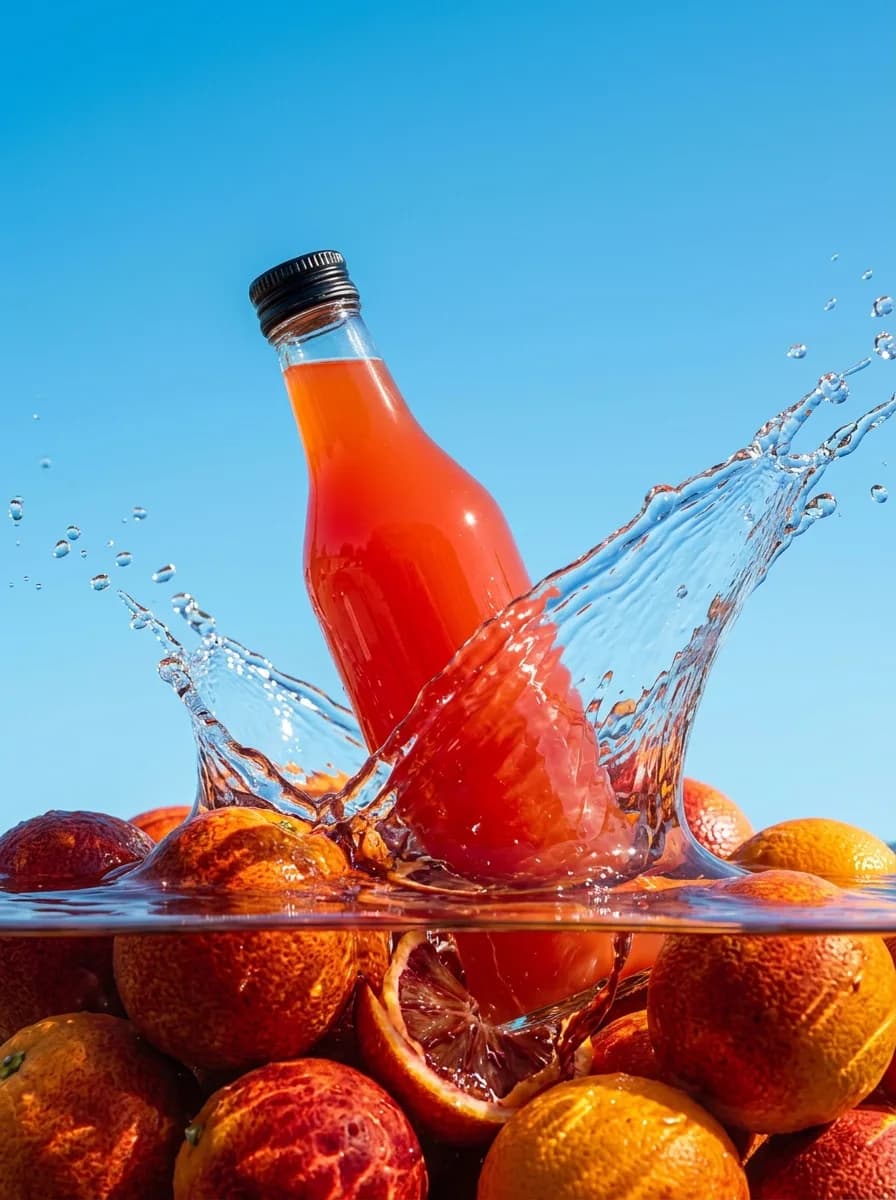
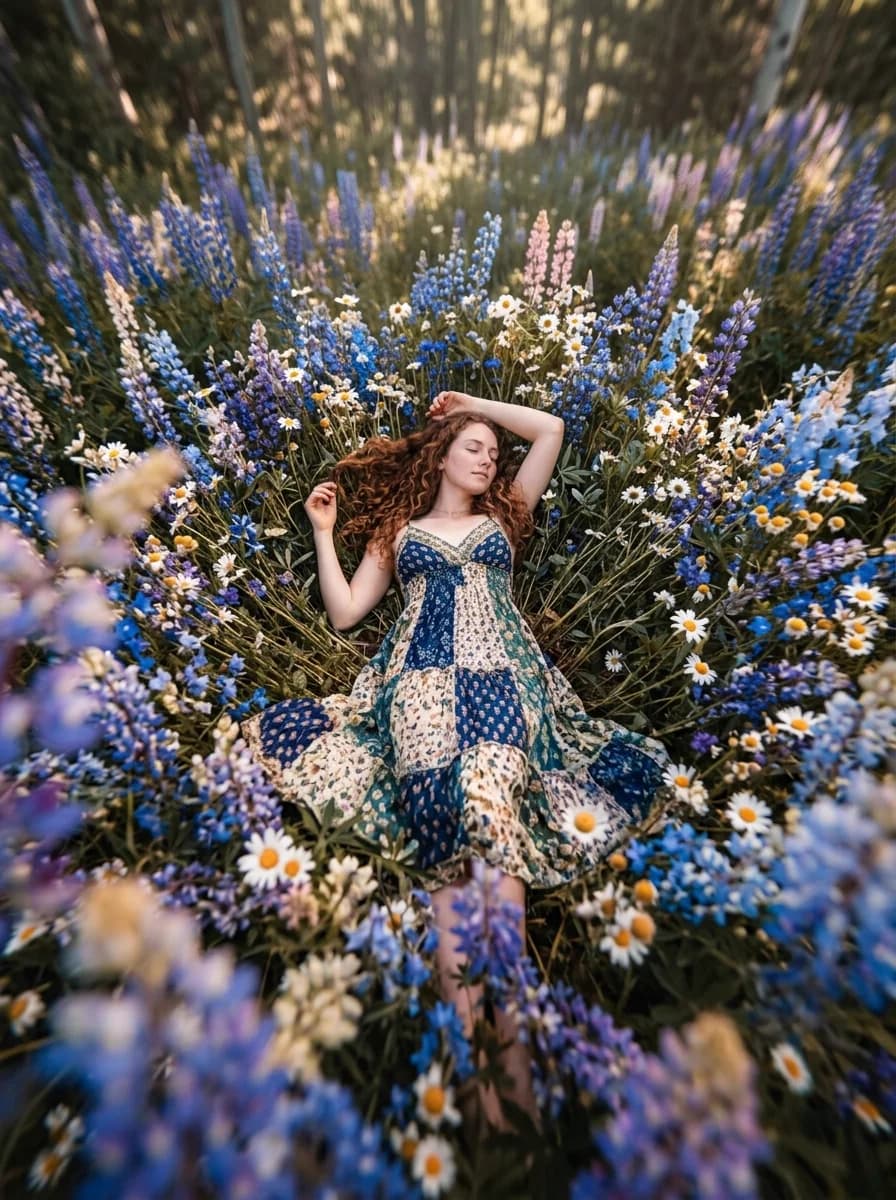
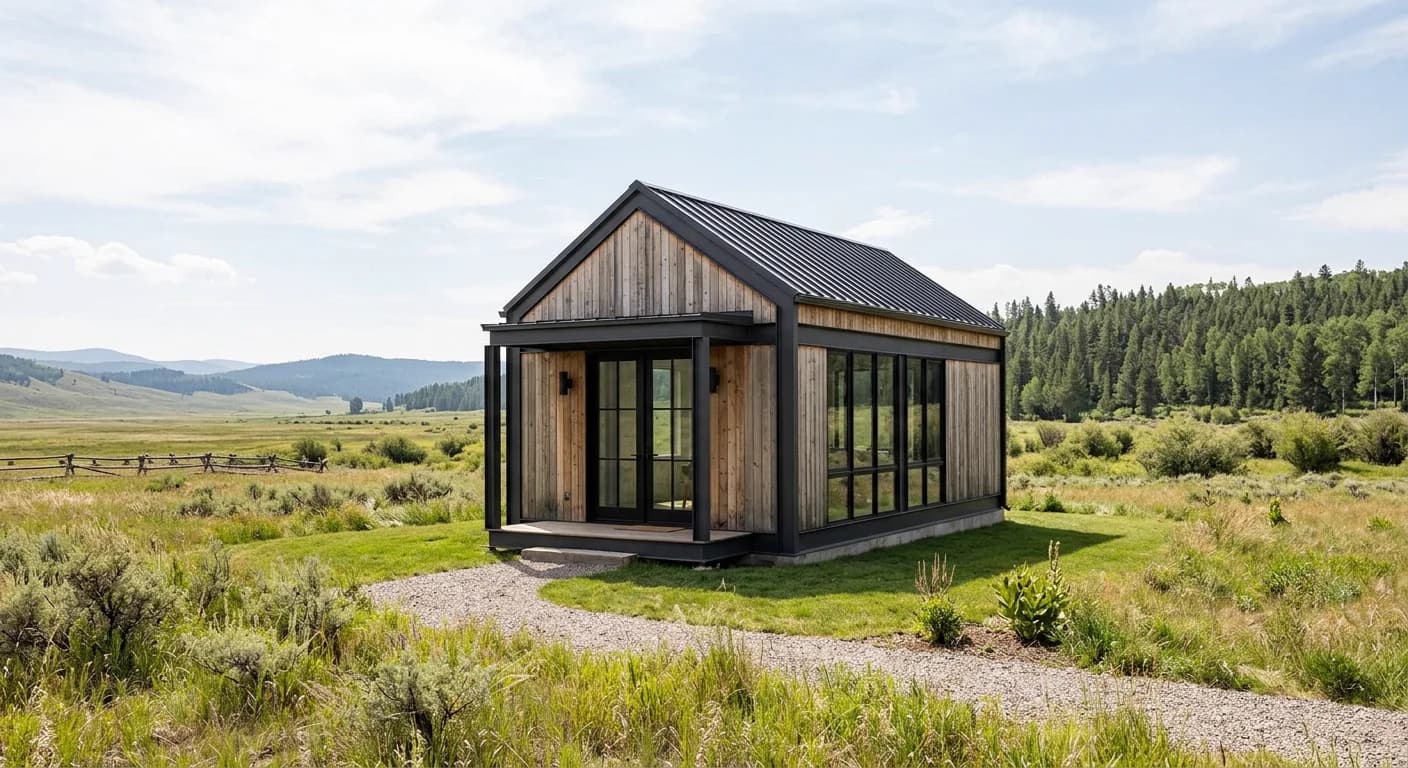
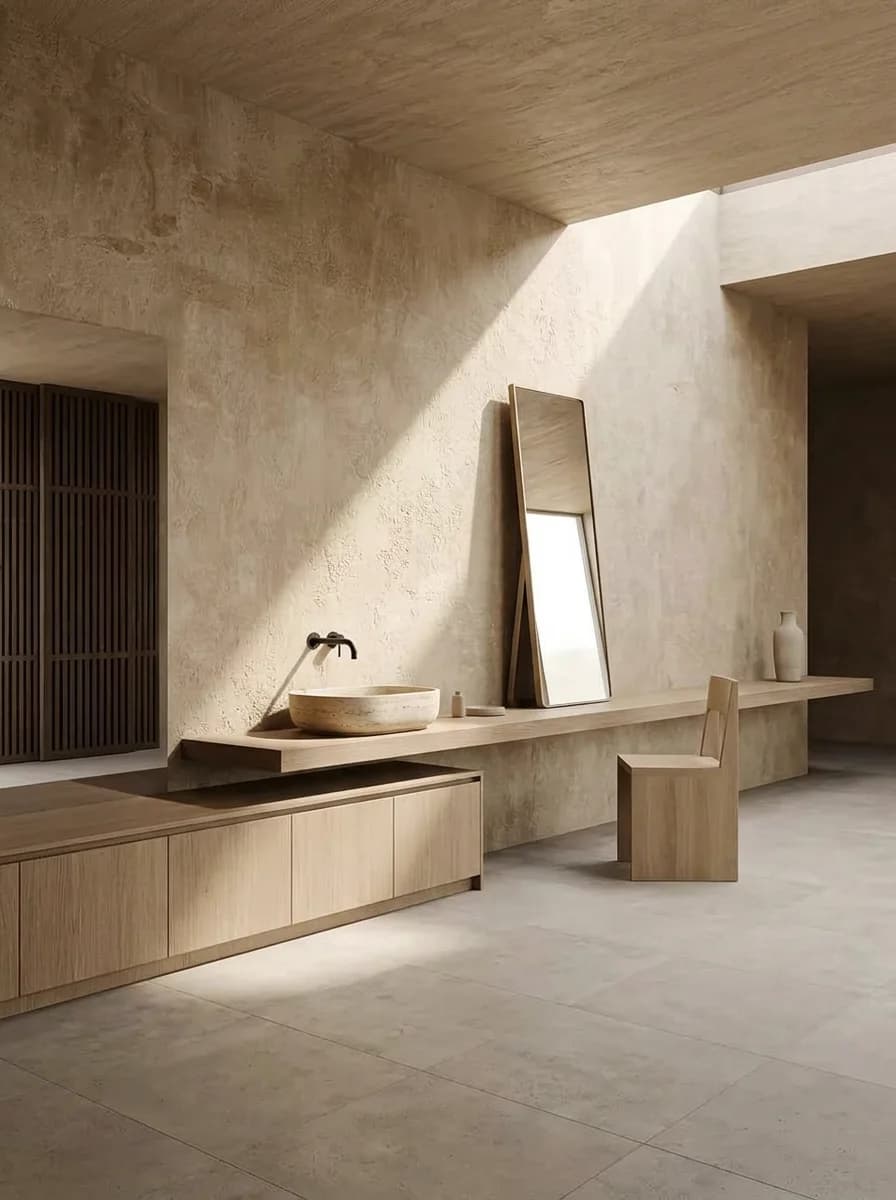
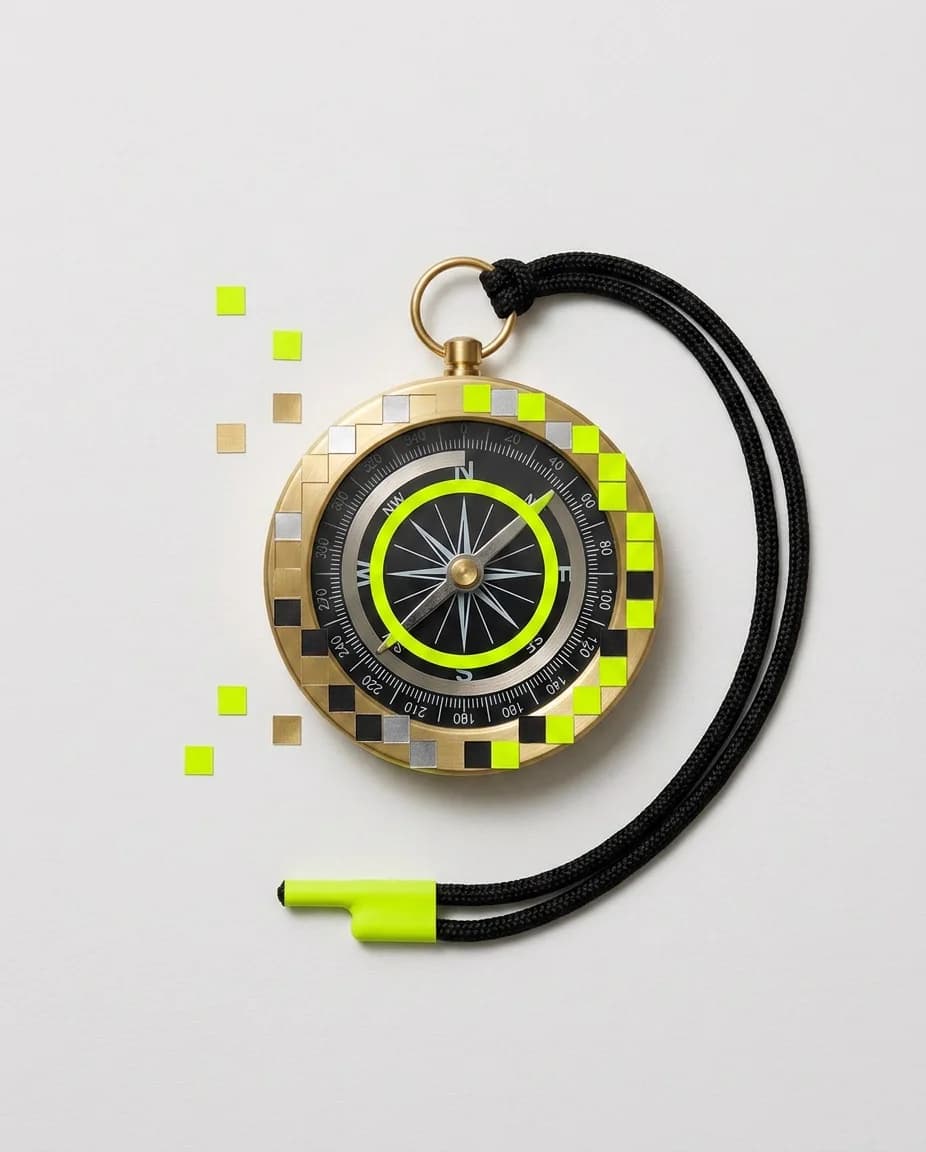
Made in the studio. Photos, art and video.
Stills, clips and 3D from the same prompt box. Try one idea on a few models and keep the one you like.
Try a generator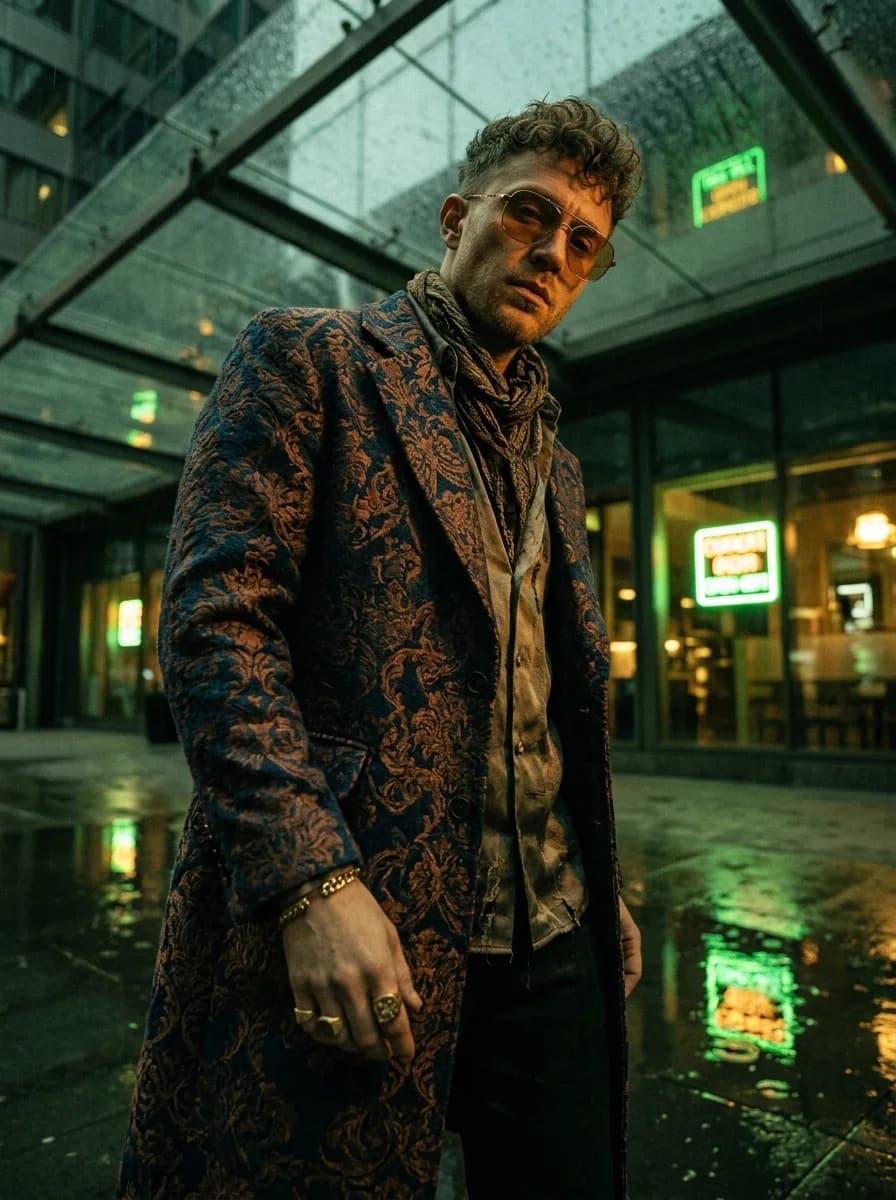 Image
Image ImageImage
 Image
Image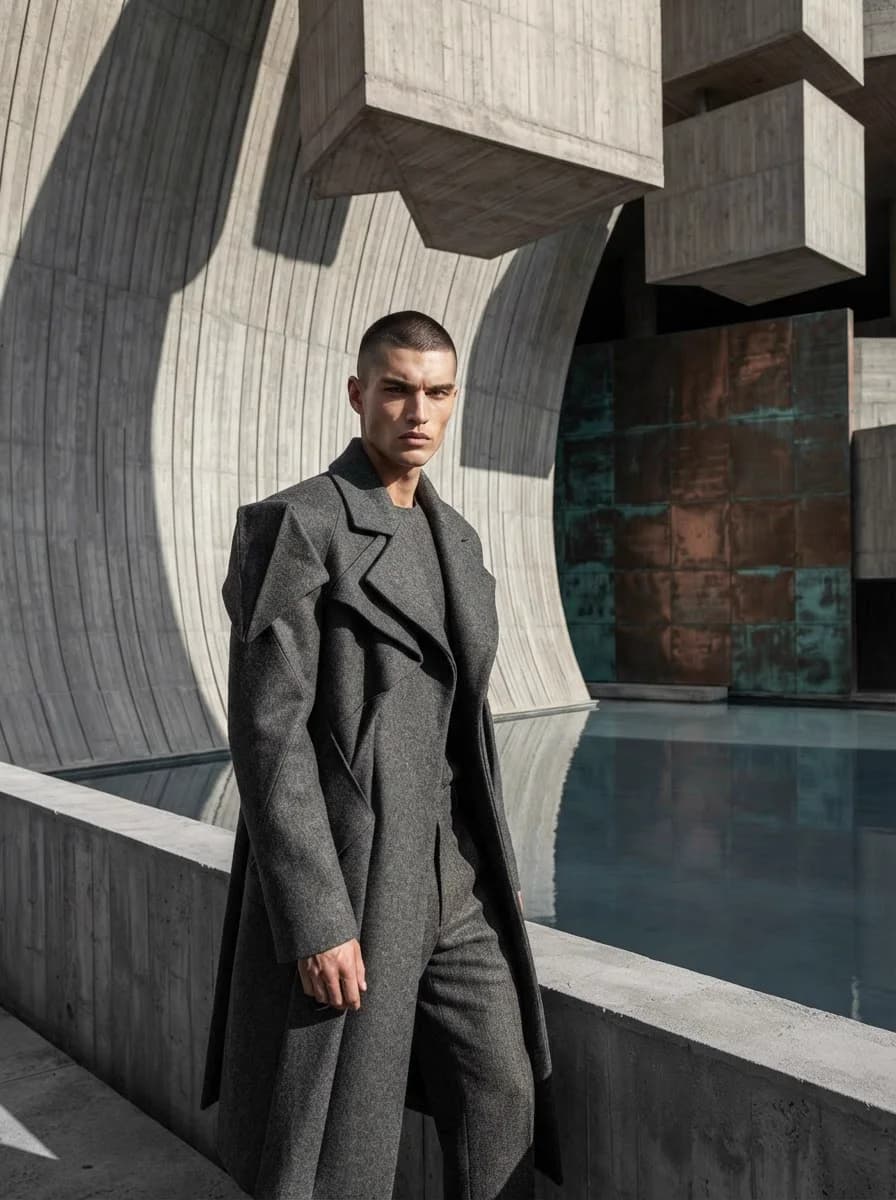 Image
Image Image
Image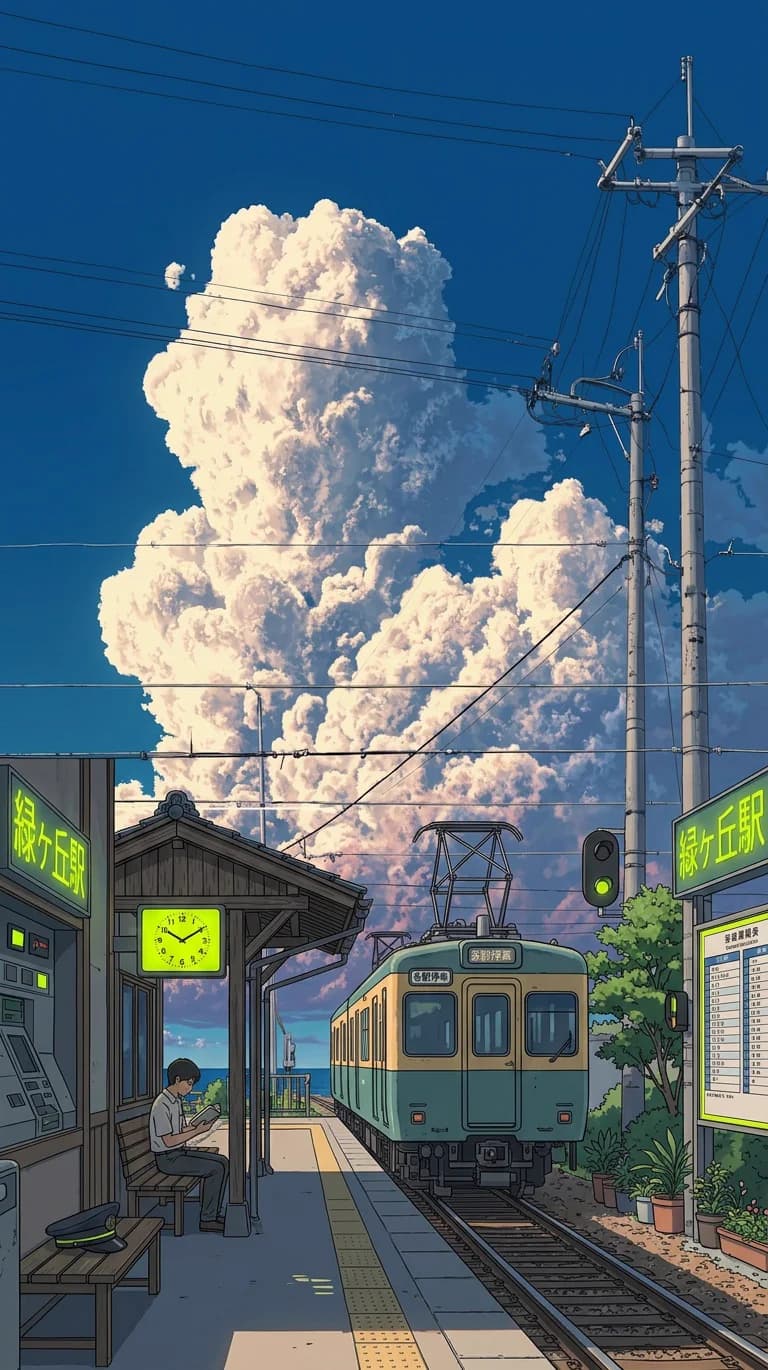 Image
Image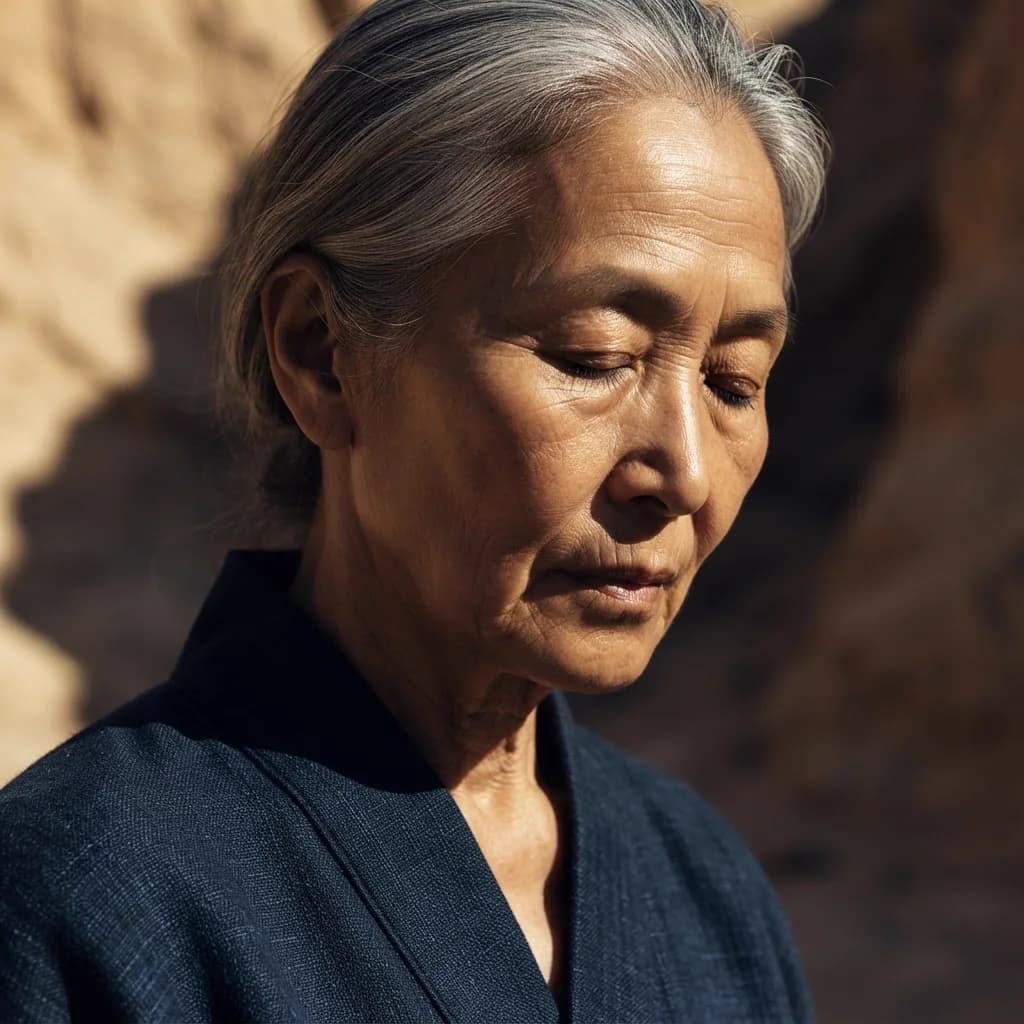 Image
Image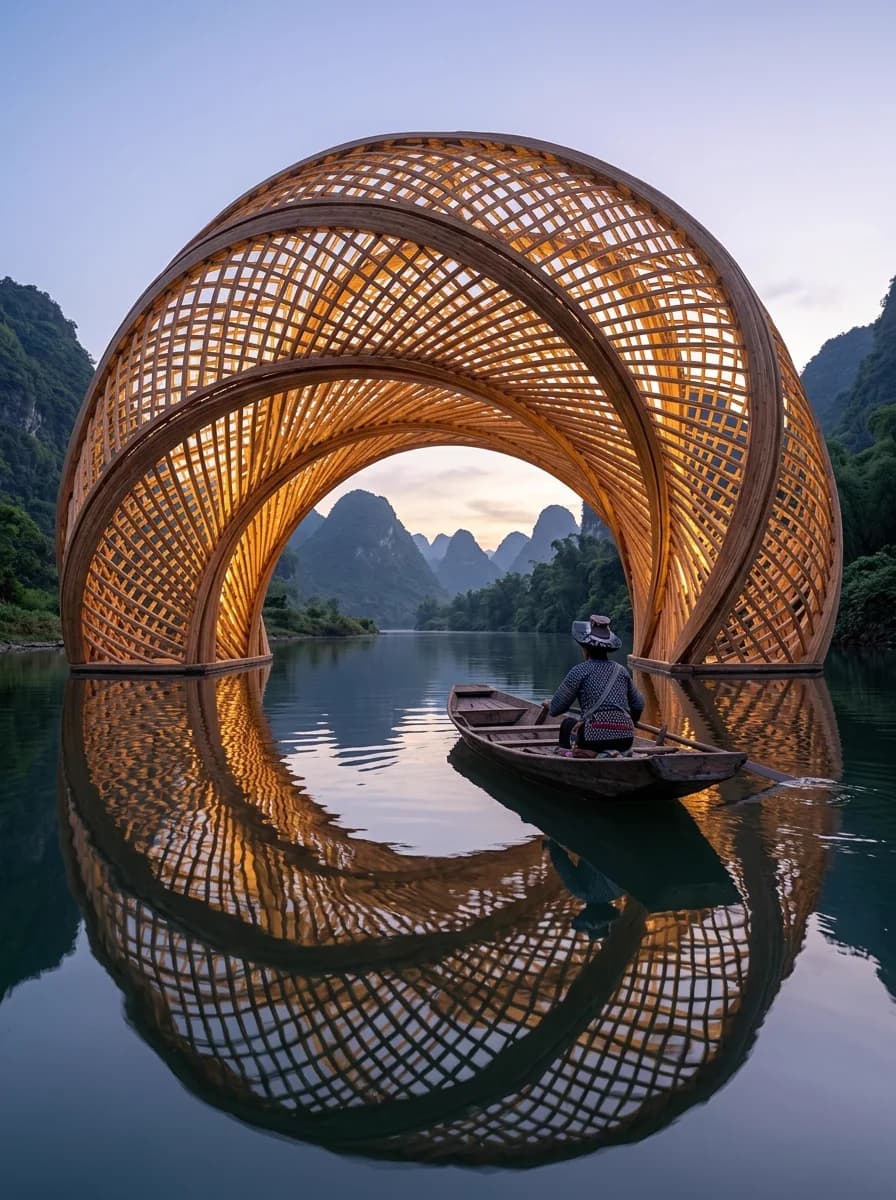 Image
Image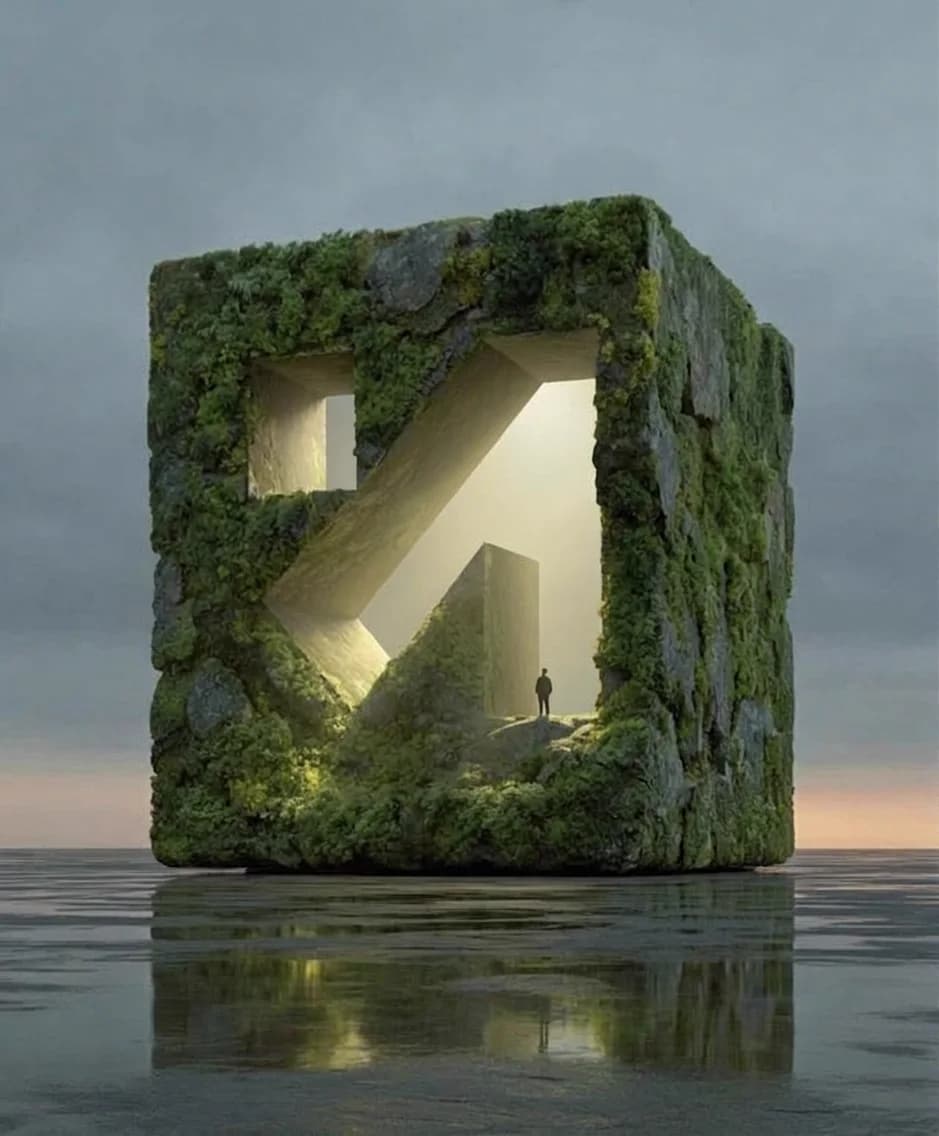 Image
Image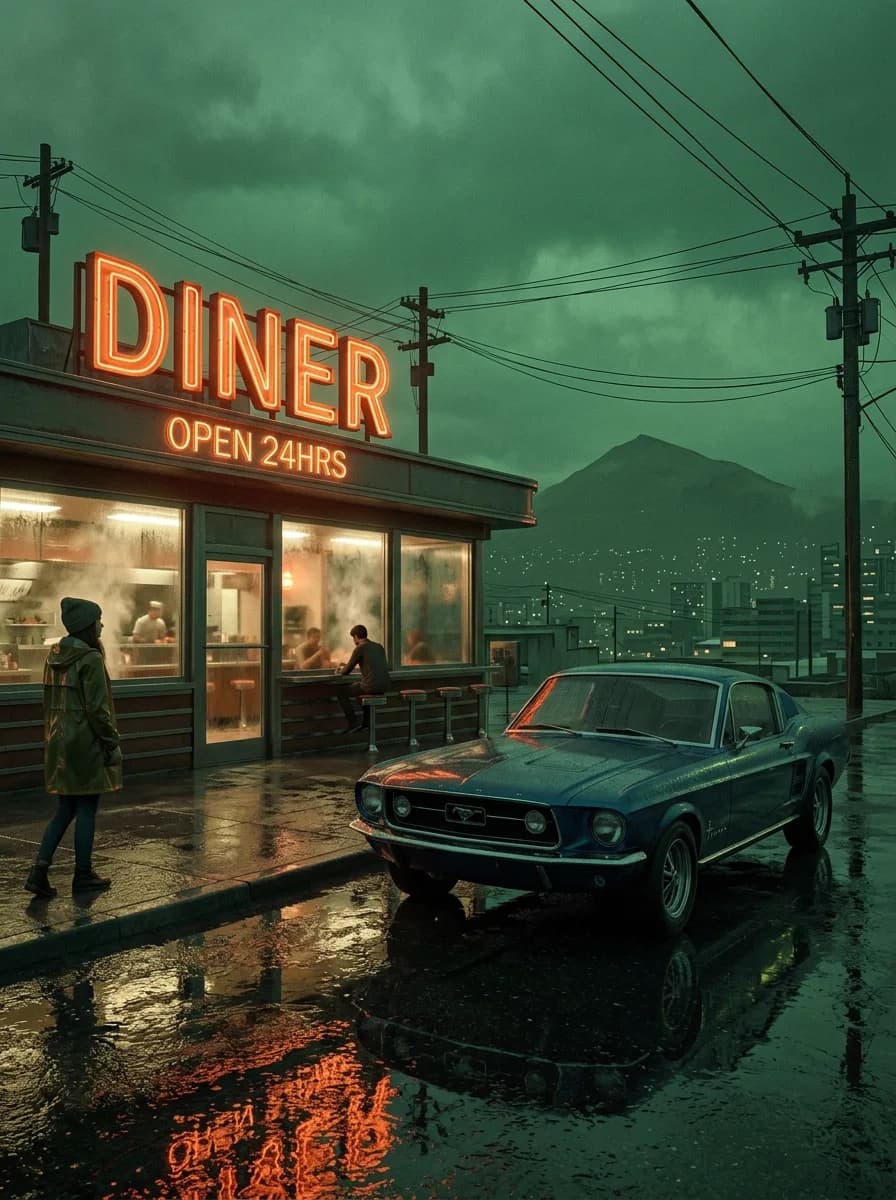 Image
Image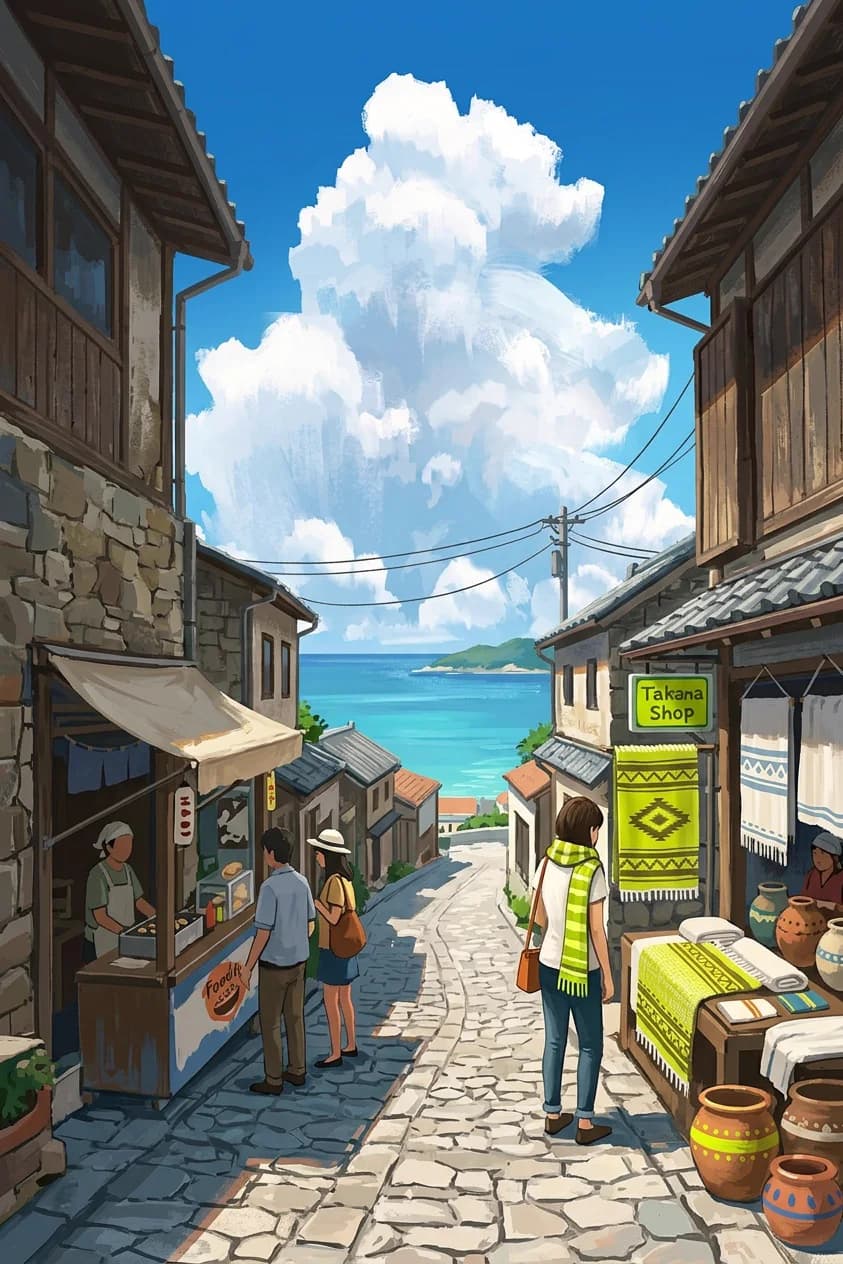 Image
Image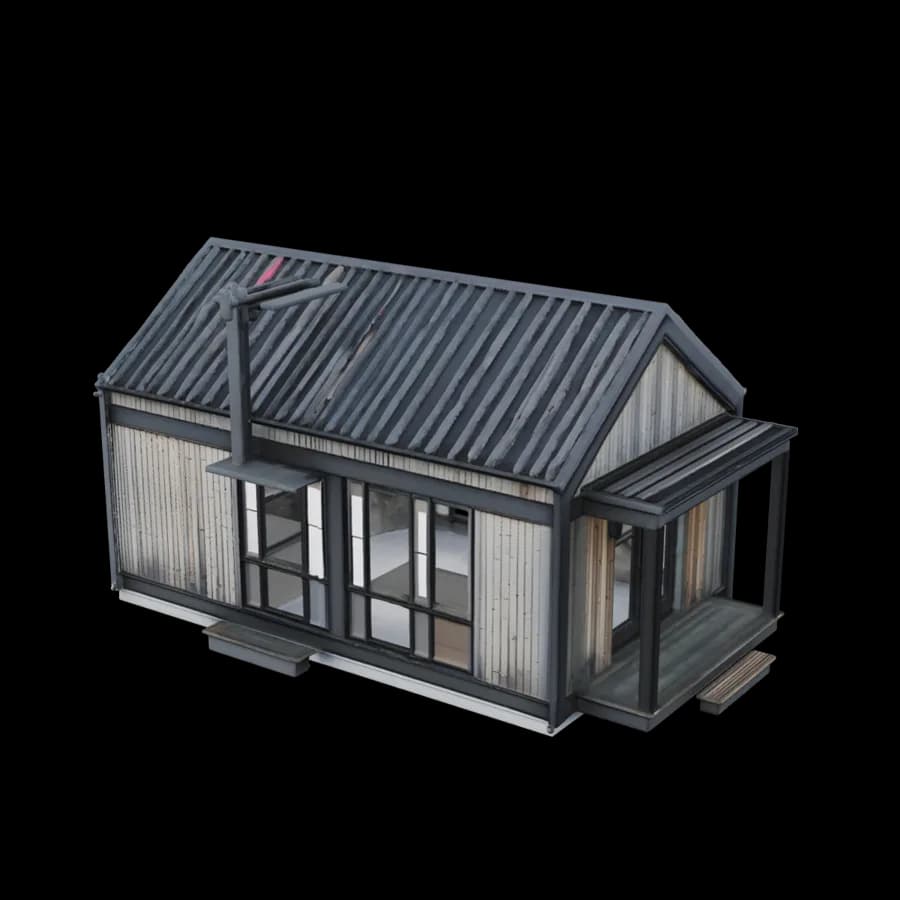 3D
3D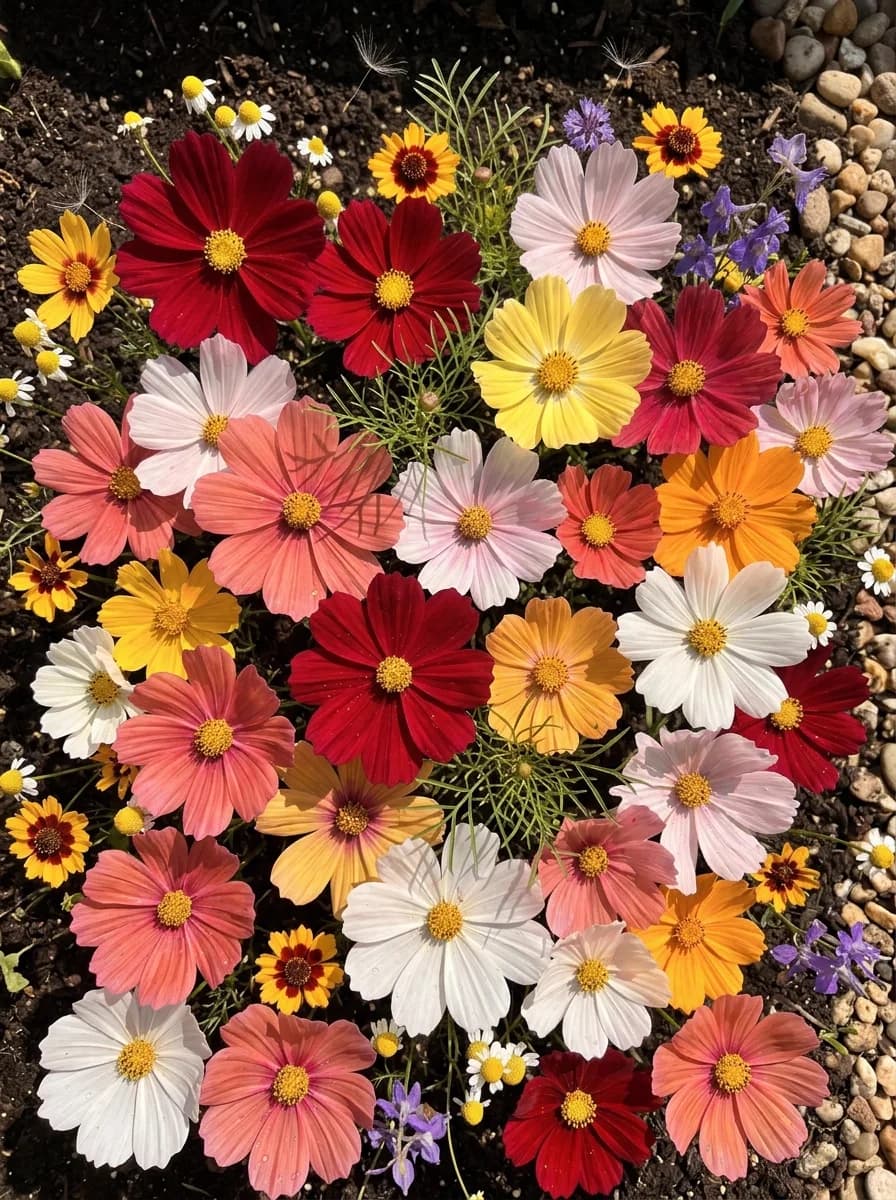 Image
ImageAll tools
Ten tools. One credit balance.
Grouped by what comes out. Every result can go straight into the next tool with Use as input.
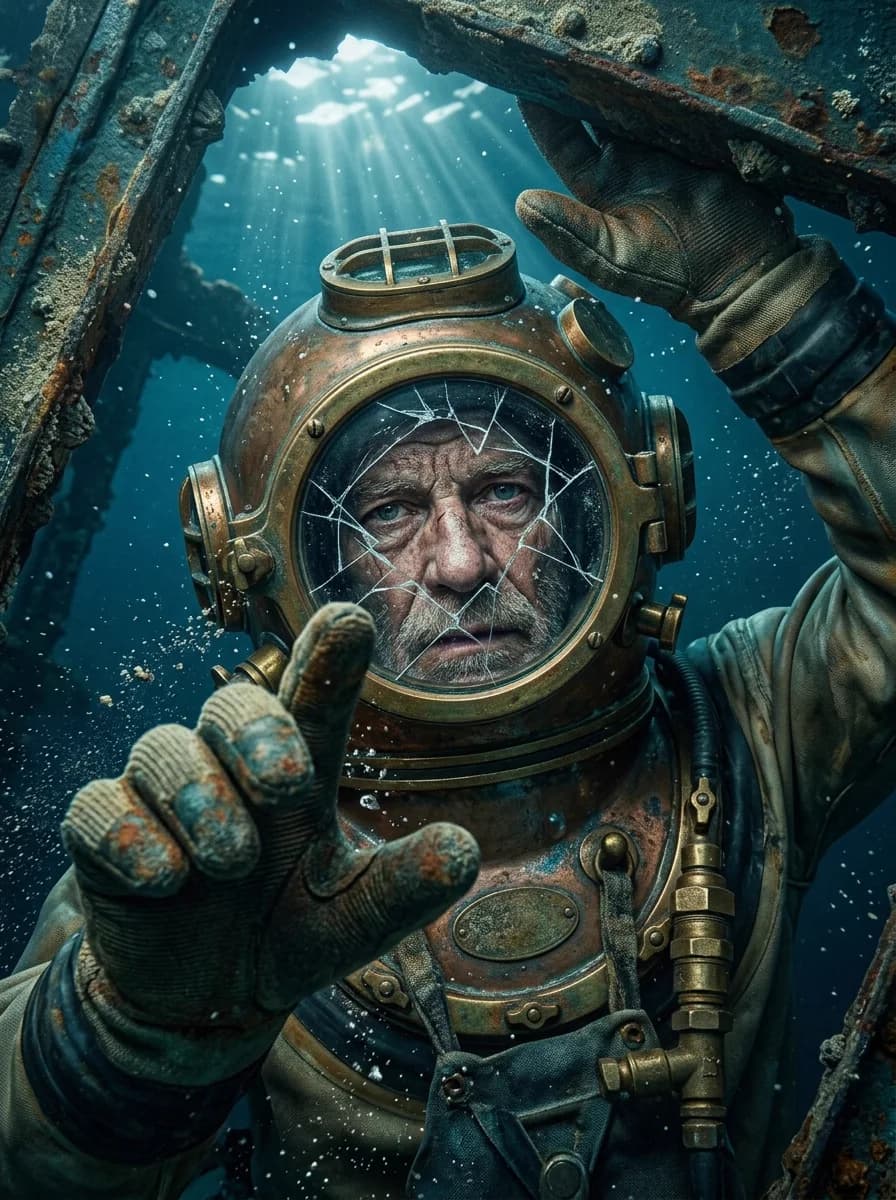
Image4 TOOLS
Video4 TOOLS
3D2 TOOLS
Spin it in the browser, then download GLB, OBJ or FBX.
Pricing
Simple credits. Pay for what you make.
Pick a plan and see what it turns into. One balance covers every tool and model.
FREENew accounts start with 10 credits
$7.50 / month
1,200credits every month
Billed $90 once a year
THAT'S ABOUT
- 133
Nano Banana images
- 27
Wan videos
- 18
3D models
Or any mix. Rough guide at base settings.
FAQ
Questions, answered.
Yes. You can open every studio tool without an account. New accounts get 10 free credits, enough to make a few real results. After that, generating spends credits from a plan (Starter, Creator, or Pro) listed on /pricing.
Live image models include Flux Schnell, Nano Banana Lite / Nano Banana / Nano Banana 2 / Nano Banana Pro, Grok Imagine, GPT Image 2.5 (Flare and Sunburst), and Ideogram 4.5 for text-to-image, plus multiple image editors (Seedream, Nano Banana Edit, Flux Kontext / Flux 2 Pro, GPT Image 2.5 Edit, Grok Imagine Edit, Ideogram 4.5 Edit, and background removal). Live video models include Wan 2.2 and Wan 2.7 (text and image to video), LTX 2.3 (audio to video), Kling Motion Control, and VEED Lipsync (video to video). Live 3D models include Tripo H3.1, Meshy 7.1, Hunyuan 3D Pro, Hyper3D Rodin, TripoSR, and TripoSplat.
Yes. Text-to-video and image-to-video use Wan 2.2 and Wan 2.7, audio-to-video uses LTX 2.3, and video-to-video uses Kling Motion Control and VEED Lipsync, after sign-in. Text-to-3D and image-to-3D use Tripo, Meshy, and Hunyuan models in the studio.
trendshiftlabs is an AI generation studio for images, video, and 3D content. Image, video, and 3D studio tools are available after sign-in.
Credits are used when you generate images, video, or 3D in the studio. Spend depends on the model and settings you choose. Your balance is shown in your account after you sign in.
No. Each monthly allotment resets your balance to that plan's credit amount. Unused credits from the previous month do not carry forward.
You keep the credits you still have. We also add some extra credits for the higher plan, based on how much of your billing period is left. In plain terms: take the difference between the new plan's monthly credits and your old plan's monthly credits, then give you that difference multiplied by the share of days still left in the period. Example: if half the month is left, you get about half of that credit difference, added on top of whatever you already had. New subscriptions and renewals still receive the full monthly credit amount for the plan.
Three credit plans: Starter ($9/month or $90/year) with 1,200 credits each month, Creator ($24/month or $240/year) with 3,500 credits each month, and Pro ($79/month or $790/year) with 12,000 credits each month. Annual billing is two months free compared with paying monthly.
Monthly plans charge every month and grant that plan's credits each billing cycle. Annual plans charge once for the year at a lower total price, then grant the same monthly credit allotment each calendar month for twelve months. Credits do not arrive as a single 12x dump on day one.
Sign in, open your avatar menu in the top right, then choose Manage account. Open the Subscription tab and select Cancel subscription. Confirm after the short countdown. Cancellation takes effect at the end of the current period, so you keep access and remaining credits until then. You can undo a scheduled cancel from the same Subscription tab before the period ends.
Canceling schedules the end of renewal at period end. There is no refund for the current paid period. You keep access until that period ends.
Yes. Image tools take a photo you upload, and the video tools take an image, a clip or an audio track depending on the tool. Drag a file onto the page or paste it into the prompt box.
Everything you make is saved to your gallery in the studio, with the prompt and settings it was made with. Open any result full screen, download it, or send it straight into another tool.