Product shot
Make a product image, cut it out, then upscale it for print.
3 steps
Each result feeds the next tool for you. Pick a pipeline, give it a prompt or a photo, and watch the chain run. Credits are charged per step, shown before you start.
Chain the tools you use together, save it, and run it again with one click. Start from scratch, or press Duplicate on a ready-made one below.
Make a product image, cut it out, then upscale it for print.
3 steps
Generate an image and upscale it 4x in one go.
2 steps
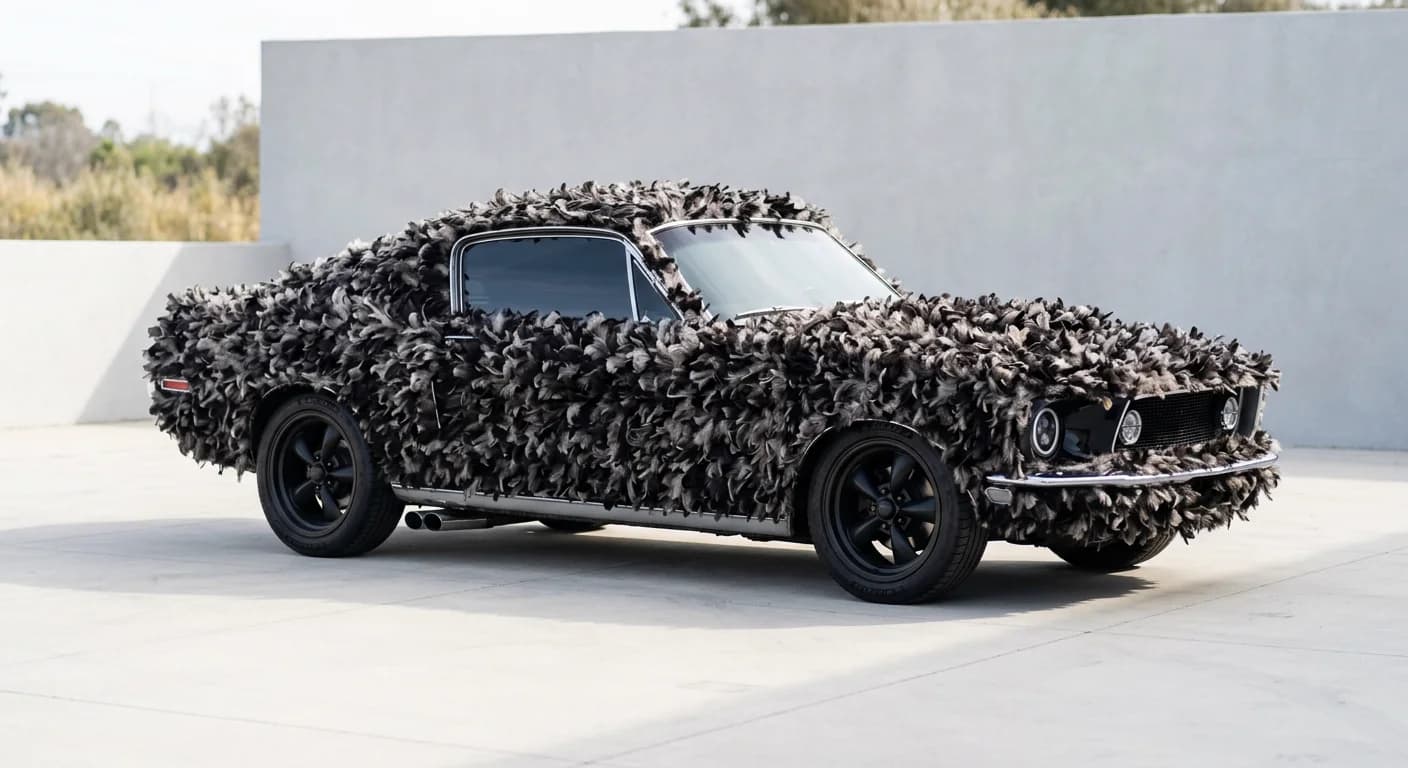
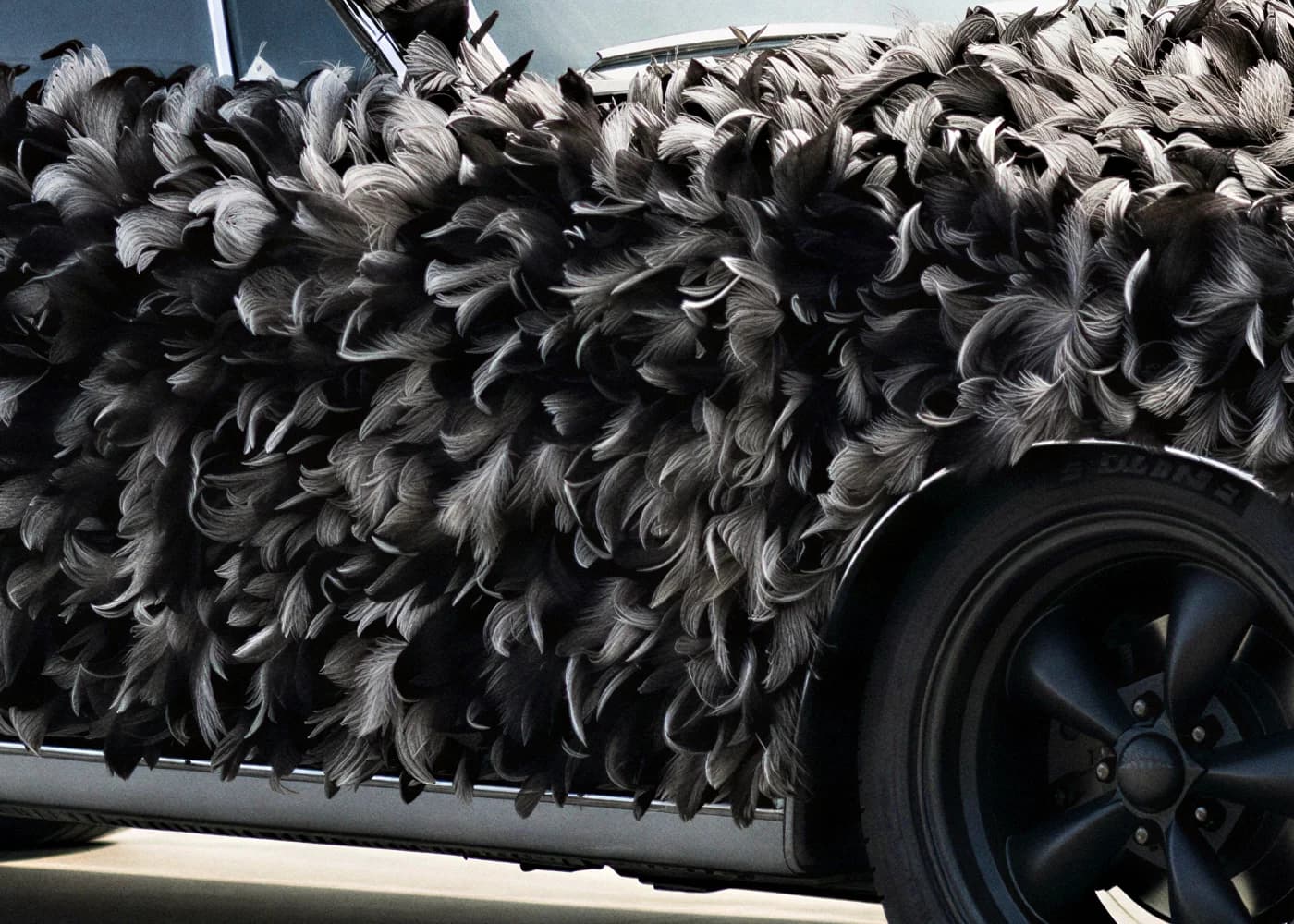
A black muscle car covered in feathers, parked by a white wall
Prompt
Text to Image
Upscale Image
Turn a rough sketch into a finished image, then make it move.
2 steps
Generate a clip from text, then put your character in the same moves.
2 steps
Turn one photo into a model, then download it as STL, ready to print.
2 steps · STL is free
One photo becomes a clip and a 3D model, side by side.
2 steps · two at once
Photo + prompt
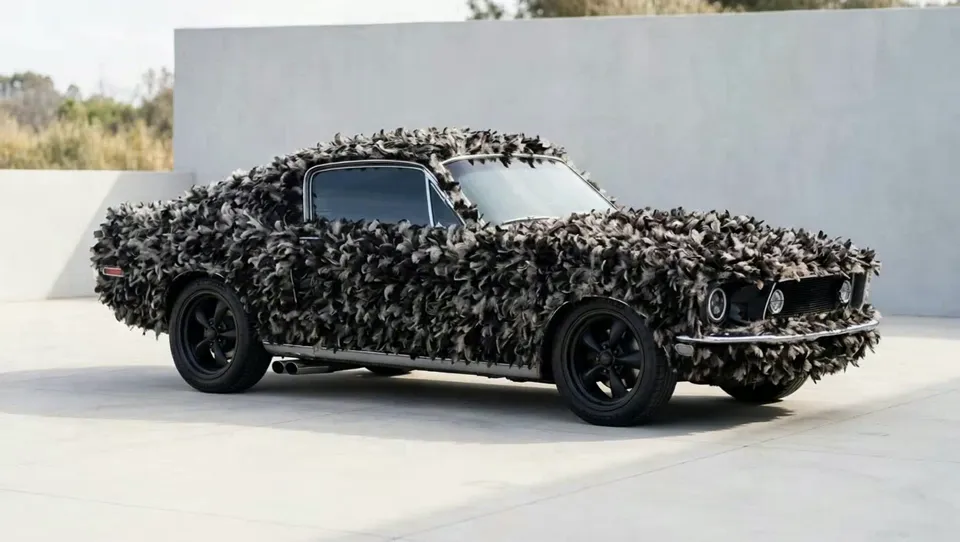
Image to Video
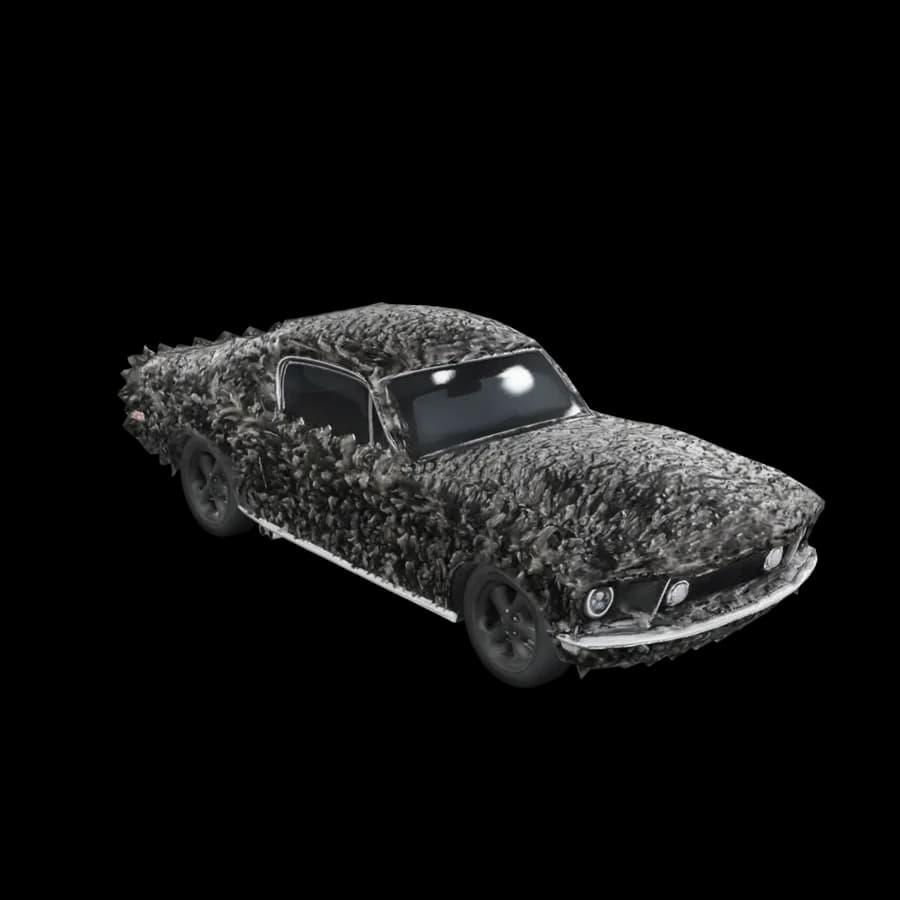
Image to 3D